HALLOWEEN SALE · OWO Skin Essentials kit 15% off

HALLOWEEN SALE · OWO Skin Essentials kit 15% off
HALLOWEEN SALE
OWO Skin Essentials kit 15% off
14-Day Returns*
2-Year Warranty
Worldwide Shipping, US Included
OWO Compatibility
Platform Compatibility
Genre
Available on
<a href=”https://store.steampowered.com/app/2124490/SILENT_HILL_2/” target=”_blank” rel=”noopener”>Steam</a>
OWO Compatibility
Platform Compatibility
Genre
Available on
<a href=”https://store.steampowered.com/app/2124490/SILENT_HILL_2/” target=”_blank” rel=”noopener”>Steam</a>

Silent Hill 2 supports both flat-screen PC gameplay and PCVR, but each setup uses a different integration method. Follow the steps for the way you want to play.
Extract UE4SS 3.0.1 experimental into:
SHProto\Binaries\Win64\,
next to SHProto-Win64-Shipping.exe.
Start Silent Hill 2 once and confirm that UE4SS creates ue4ss\UE4SS.log.
Copy the Flat\SHProto\ folder from the OWO package into the Silent Hill 2 game directory.
The installation should add ue4ss\Mods\SH2_OWO\. The package already includes enabled.txt, so there is no need to edit mods.txt.
Open MyOWO with your OWO Skin paired and calibrated, launch Silent Hill 2 and select the game card inside MyOWO. Select it again after each game restart.
Install UEVR with plugin API 2.37 or later in its own folder. Inject Silent Hill 2 once so UEVR creates the profile:
%APPDATA%\UnrealVRMod\SHProto-Win64-Shipping\.
Copy the contents of VR\SHProto-Win64-Shipping\ from the OWO package into the UEVR profile.
The installation should include:
plugins\SH2_OWO.dll,
plugins\SH2_OWO\ and
scripts\SH2_OWO_events.lua.
Open MyOWO, connect your Skin and start SteamVR or the Meta PC application. Then open UEVRInjector.exe.
Start Silent Hill 2 and wait until the main menu. In UEVRInjector, select SHProto-Win64-Shipping, choose OpenXR or OpenVR and press Inject. Then select the game card in MyOWO.

Silent Hill 2 builds tension through its atmosphere, limited visibility and close-range encounters. With OWO Skin, supported gameplay moments can add another physical layer to that experience in both PC and VR.
When James receives a supported hit, OWO Skin can reproduce physical feedback based on the attack. Front and rear directional responses have been confirmed in gameplay.

When James is badly injured, a recurring heartbeat sensation reinforces his condition. The effect pauses during menus and cinematics so it does not interfere with other moments.


Connect with other developers and get support in the OWO Discord community
Join our DiscordOr get personal help from us!
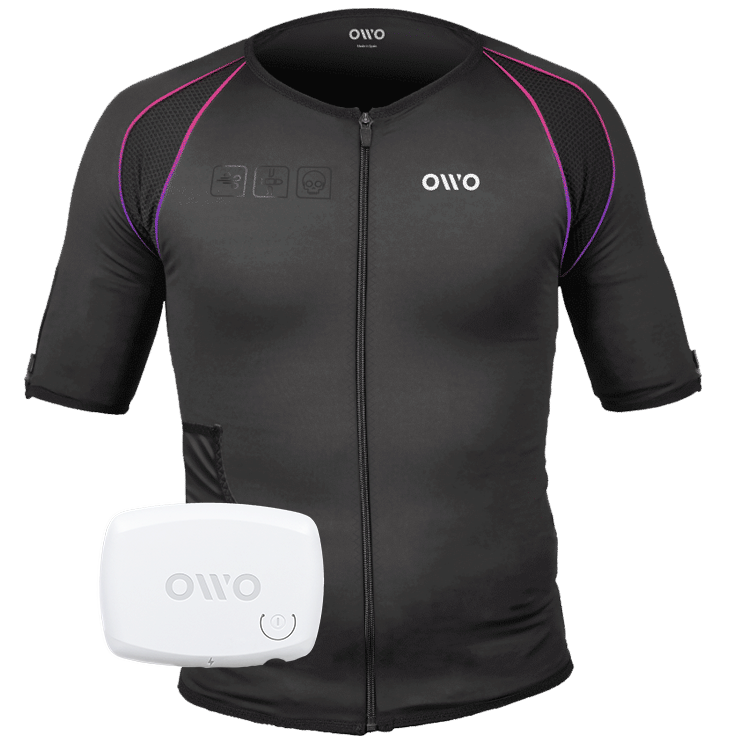
449,00 €

The OWO Original Edition Kit is a haptic gaming vest that uses electrical stimulation, not vibration, to recreate impacts, recoil, tension and environmental effects across 10 active muscle zones. Adjust the intensity to your body and feel 180+ compatible games.
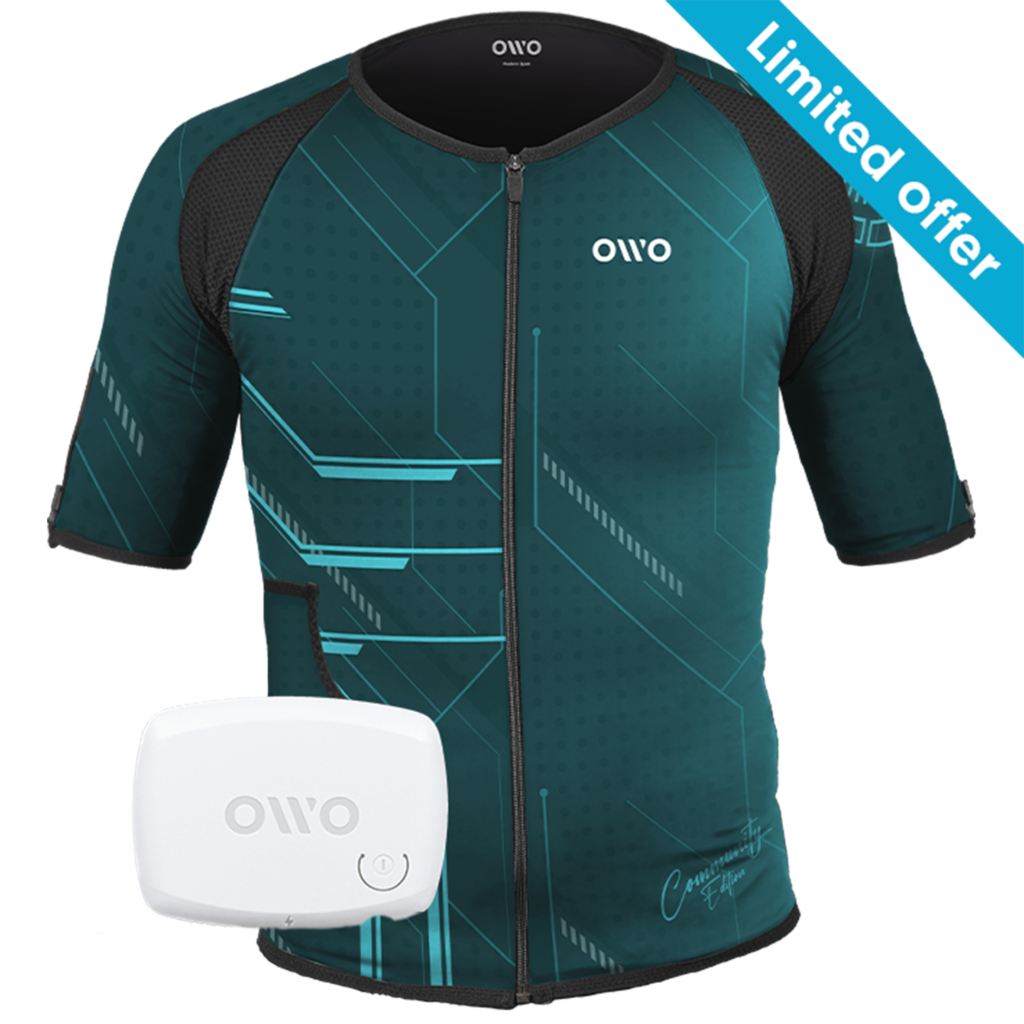
499,00 € Original price was: 499,00 €.349,00 €Current price is: 349,00 €.

OWO Community Month
30% off · Last units
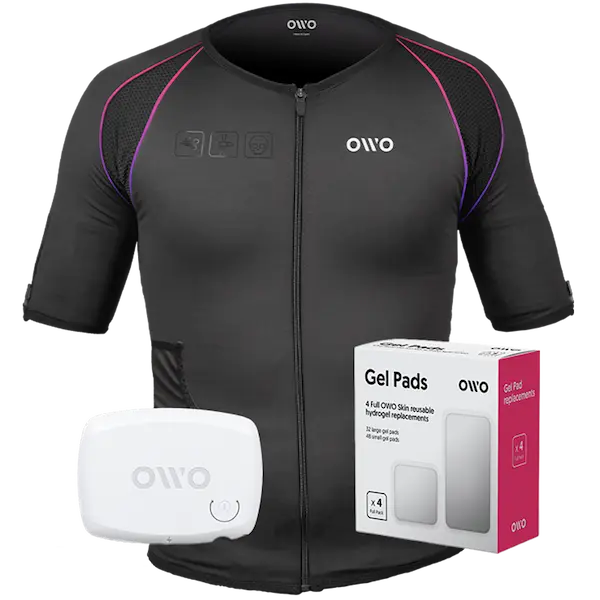
479,00 € Original price was: 479,00 €.407,15 €Current price is: 407,15 €.

Built for instant immersion and uninterrupted play. One iconic black OWO haptic vest, one device, and gels in one essential bundle.
We accept
Secure Checkout
Shopping is always safe and secure
Easy returns
you can request a return within 14 days of delivery
Need more help? Email us or call (+34) 672712281
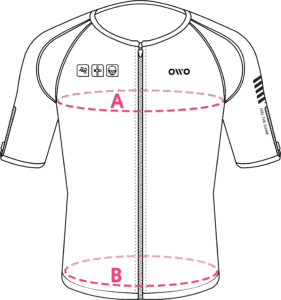
Measure your chest (A) and hips (B) following our indications.
The reference measurement will always be the larger of the two (A or B).
Look in the chart to which size corresponds to that measurement.
| Size | Reference measurements | |
|---|---|---|
| Inches | Centimeters | |
| 2XS | 25.6 – 29.4 | 65 – 74 |
| XS | 29.5 – 32.6 | 75 – 82 |
| S | 32.7 – 36.1 | 83 – 91 |
| M | 36.2 – 39.7 | 92 – 100 |
| L | 39.8 – 42.8 | 101 – 108 |
| XL | 42.9 – 46.3 | 109 – 117 |
| 2XL | 46.4 – 49.9 | 118 – 126 |
| 3XL | 50 – 53 | 127 – 134 |
| 4XL | 53.1 – 55.9 | 135 – 142 |