14-Day Returns* · 2-Year Warranty · Worldwide Shipping, US included

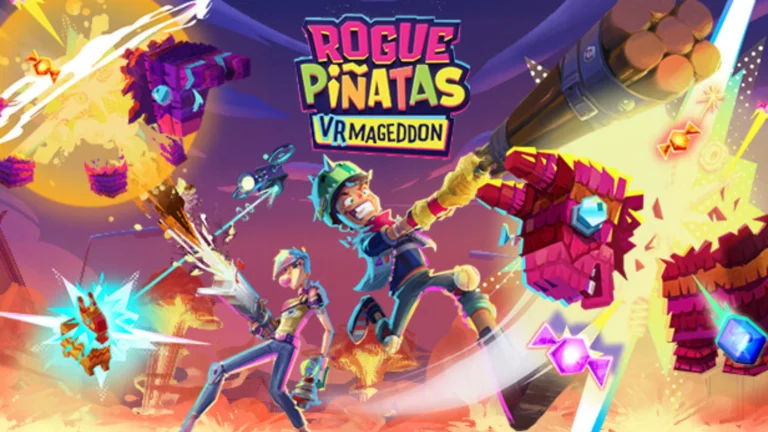
Rogue Piñatas: VRmageddon

A fast-paced VR roguelite where you fight endless waves of chaotic piñatas using melee and ranged weapons, solo or in co-op.

OWO Compatibility

MOD

Platform Compatibility

PCVR

Genre

Action, Shooter (FPS / TPS)

Available on

OWO implementation guide for Rogue Piñatas: VRmageddon

Rogue Piñatas VRmageddon with OWO Skin installation guide

INSTALLATION GUIDE

How to play Rogue Piñatas: VRmageddon with OWO Skin

Install the OWO integration through BepInEx, connect your Skin and bring combat, weapon feedback, health events and other supported VRmageddon moments into the physical world.

Before you start
Steam build 19155164
BepInEx 5.4.x x64
MyOWO
OWO Skin

Important:
Install BepInEx 5.4.x x64 and launch Rogue Piñatas: VRmageddon at least once before installing the OWO plugin.

1
Download the OWO mod
Download the latest supported version from our GitHub page.

2
Copy the mod into the game folder
Copy the contents of RoguePinatas_OWO into the Rogue Piñatas: VRmageddon root folder.

3
Check the plugin files
The plugin should be located at:
BepInEx\plugins\RoguePinatas_OWO\
The configuration file should be located at:
BepInEx\config\RoguePinatas_OWO.cfg

4
Connect your OWO Skin
Open MyOWO with your OWO Skin connected and calibrated. Launch the game and, when Rogue Piñatas VRmaggedon appears in MyOWO, select it to start the connection.

Game not appearing in MyOWO?
If a VPN or network configuration is blocking broadcast traffic, set ServerIp= in the configuration file to the IP address shown in MyOWO. Multiple IP addresses can be added separated by commas. Restart the game after changing the setting.

How to uninstall the integration
Run:
.\Install-RoguePinatasOwo.ps1 -Uninstall
Or remove it manually by deleting:
BepInEx\plugins\RoguePinatas_OWO\
BepInEx\config\RoguePinatas_OWO.cfg
No other installed mods are modified.

Rogue Piñatas VRmageddon OWO Skin haptic experience

THE EXPERIENCE

What does Rogue Piñatas: VRmageddon feel like with OWO Skin?

Combat moves quickly in VRmageddon. OWO Skin adds physical feedback to supported weapons, incoming hits, health events and interactions so different moments can feel different instead of being reduced to one generic response.

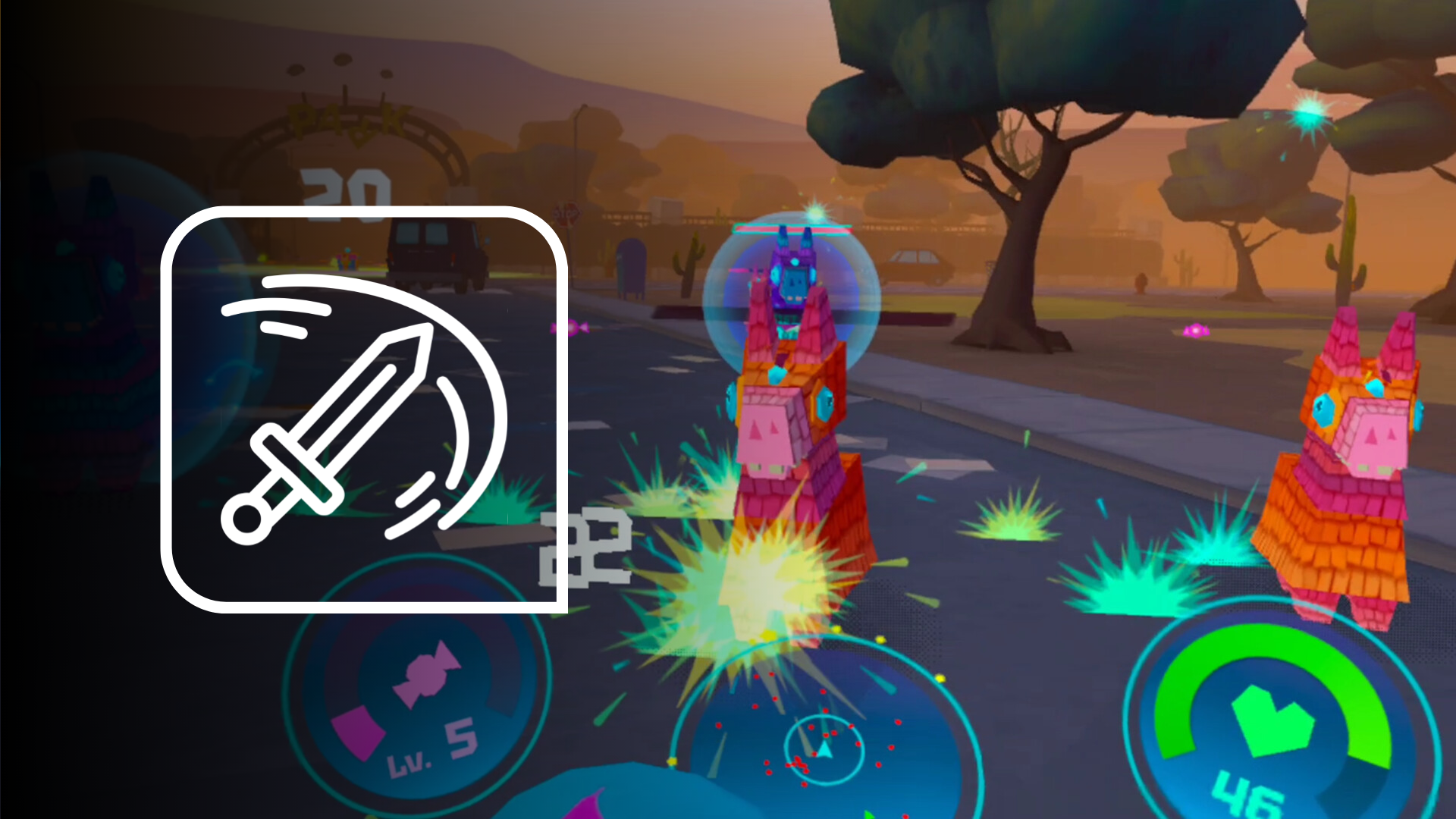
MELEE COMBAT

Feel close-range attacks through the arm

When a melee weapon in either hand connects with an enemy or object, the integration can send a short physical response through the corresponding side of the body, reinforcing the action of the strike.
Rogue Piñatas VRmageddon melee combat with OWO Skin

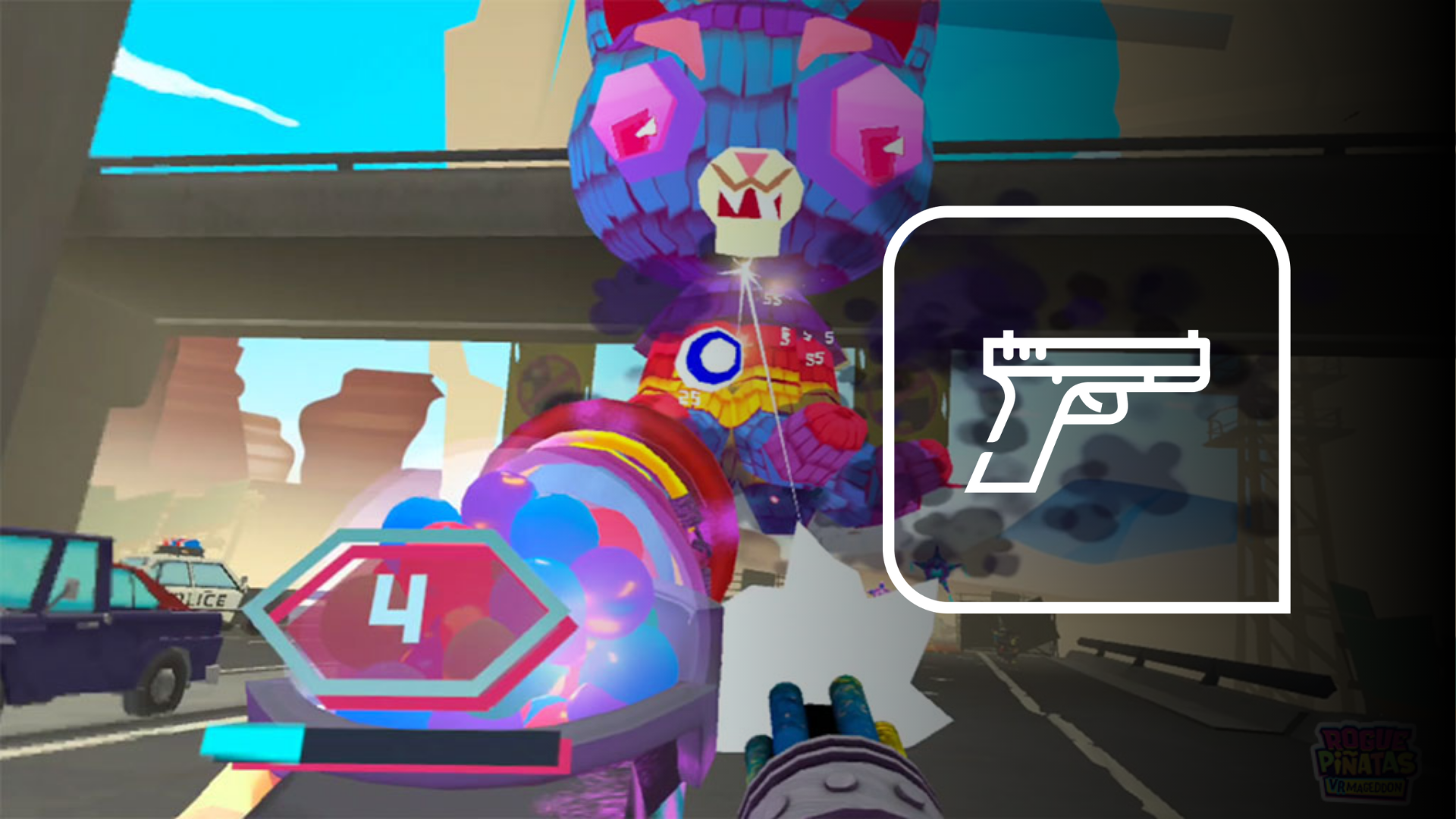
WEAPON RECOIL

Every shot gets a physical response

Weapon fire can trigger feedback across the arm, chest and back on the side you are firing from, giving ranged combat a distinct physical character from melee attacks or incoming damage.
Rogue Piñatas VRmageddon weapon recoil with OWO Skin

LOW HEALTH

Feel the pressure build

When your health drops below the configured threshold, a repeating heartbeat can pulse around the left side of the chest, giving low-health situations an immediate physical cue.
HEALING

Recovery moves through the torso

Effective healing can trigger a longer sensation that moves from the lower torso toward the upper body, creating a clear contrast with damage and combat feedback.

MORE TO FEEL

Combat is only part of the chaos

The integration also includes supported feedback for candy pickups, death, revival, nearby explosions, level-ups, PartiBox interactions and special weapons such as the JolliZapper and BoomBoxer. Different events use different areas, movement patterns and durations to give them their own physical identity.

Rogue Piñatas VRmageddon with OWO Skin setup

BUILT FOR VR CHAOS

Shoot, swing, survive and feel more of the action.

From weapon recoil and melee attacks to health changes, pickups and special weapons, OWO Skin adds another physical layer to the fast-paced action of Rogue Piñatas: VRmageddon.

Need help installing mods?

Connect with other developers and get support in the OWO Discord community

Join our Discord

Or get personal help from us!

Choose your edition

Cart

Your cart is currently empty.

Return to shop

We accept

Secure Checkout

Shopping is always safe and secure

Easy returns

you can request a return within 14 days of delivery

Need more help? Email us or call (+34) 672712281

Measure your chest (A) and hips (B) following our indications. 

The reference measurement will always be the larger of the two (A or B).

Look in the chart to which size corresponds to that measurement.
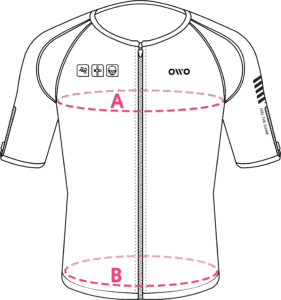
Size chart
SizeReference measurements
 InchesCentimeters
2XS25.6 – 29.465 – 74
XS29.5 – 32.675 – 82
S32.7 – 36.183 – 91
M36.2 – 39.792 – 100
L39.8 – 42.8101 – 108
XL42.9 – 46.3109 – 117
2XL46.4 – 49.9118 – 126
3XL50 – 53127 – 134
4XL53.1 – 55.9135 – 142