HALLOWEEN SALE · OWO Skin Essentials kit 15% off

HALLOWEEN SALE · OWO Skin Essentials kit 15% off
HALLOWEEN SALE
OWO Skin Essentials kit 15% off
14-Day Returns*
2-Year Warranty
Worldwide Shipping, US Included

RENNSPORT OWO Skin compatibility brings immersive haptic feedback to your racing experience. Follow the steps below to install the OWO integration, connect your Skin and get ready to race.
Install the required software, enable the OWO integration and connect your OWO Skin before launching RENNSPORT.
Download and install SimHub 9.13.3 or later. This version introduced initial telemetry support for RENNSPORT.
Download the latest OWO SimHub Plugin release and extract the ZIP file.
Copy the contents of the downloaded ZIP file into the main SimHub installation folder.
Open SimHub and enable the OWO Integration Plugin.
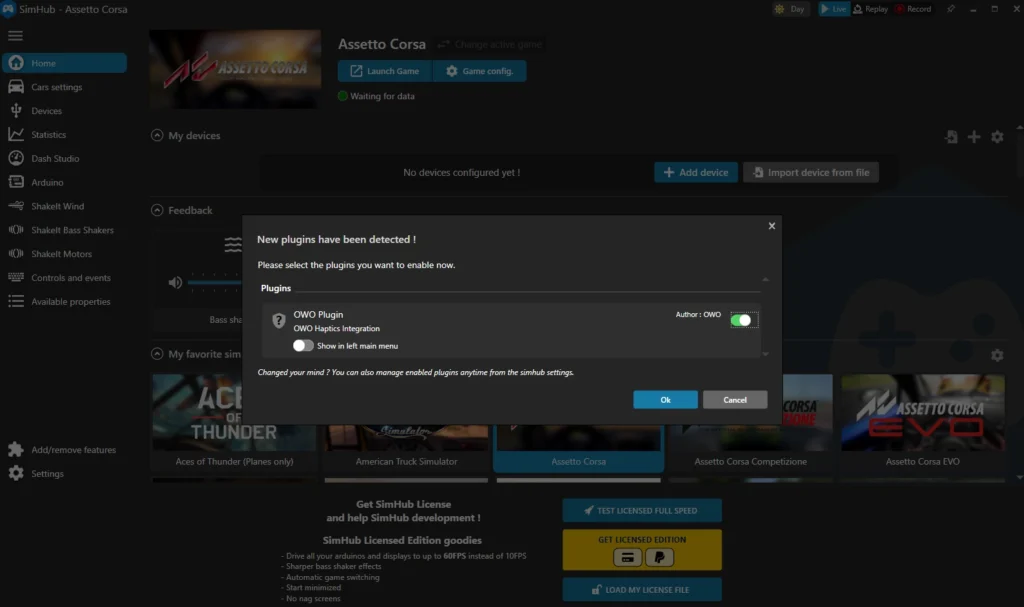
Open MyOWO and make sure your OWO Skin is paired, calibrated and ready to use before starting your racing session.
In SimHub, click Look for OWO Skin to detect your connected device.
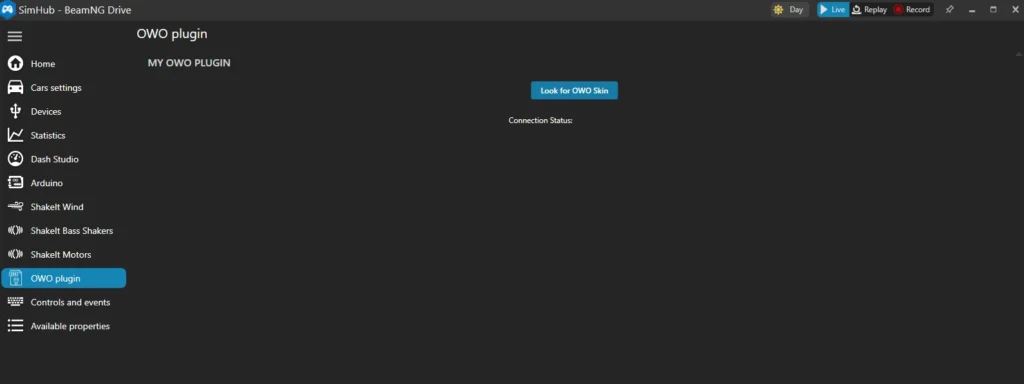
Keep SimHub and MyOWO running, launch RENNSPORT and connect the game in MyOWO to start your OWO experience.

With RENNSPORT OWO Skin compatibility, your racing setup gains an additional physical layer. Connect your Skin, get on track and experience supported racing feedback beyond traditional controls and visuals.

Connect with other developers and get support in the OWO Discord community
Join our DiscordOr get personal help from us!
449,00 €

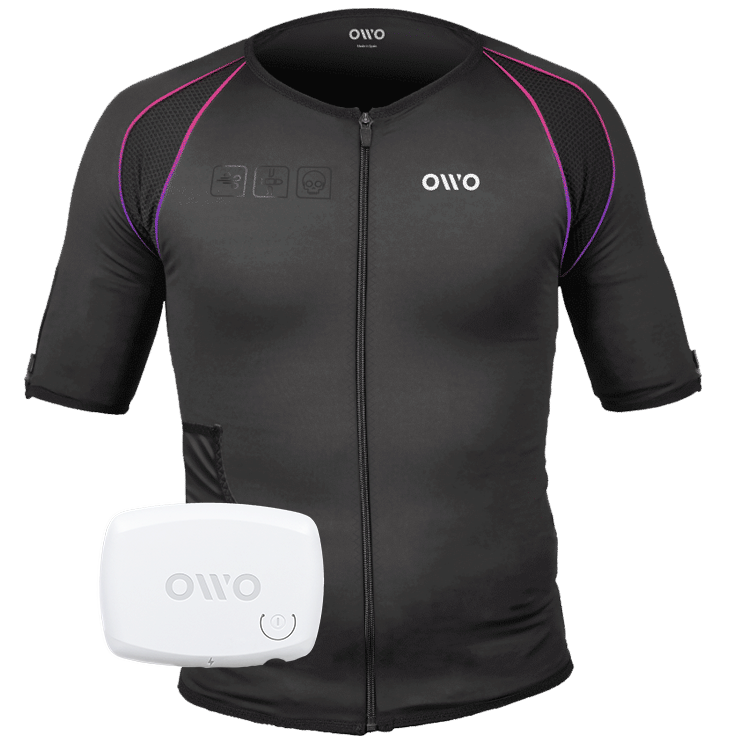
The OWO Original Edition Kit is a haptic gaming vest that uses electrical stimulation, not vibration, to recreate impacts, recoil, tension and environmental effects across 10 active muscle zones. Adjust the intensity to your body and feel 180+ compatible games.
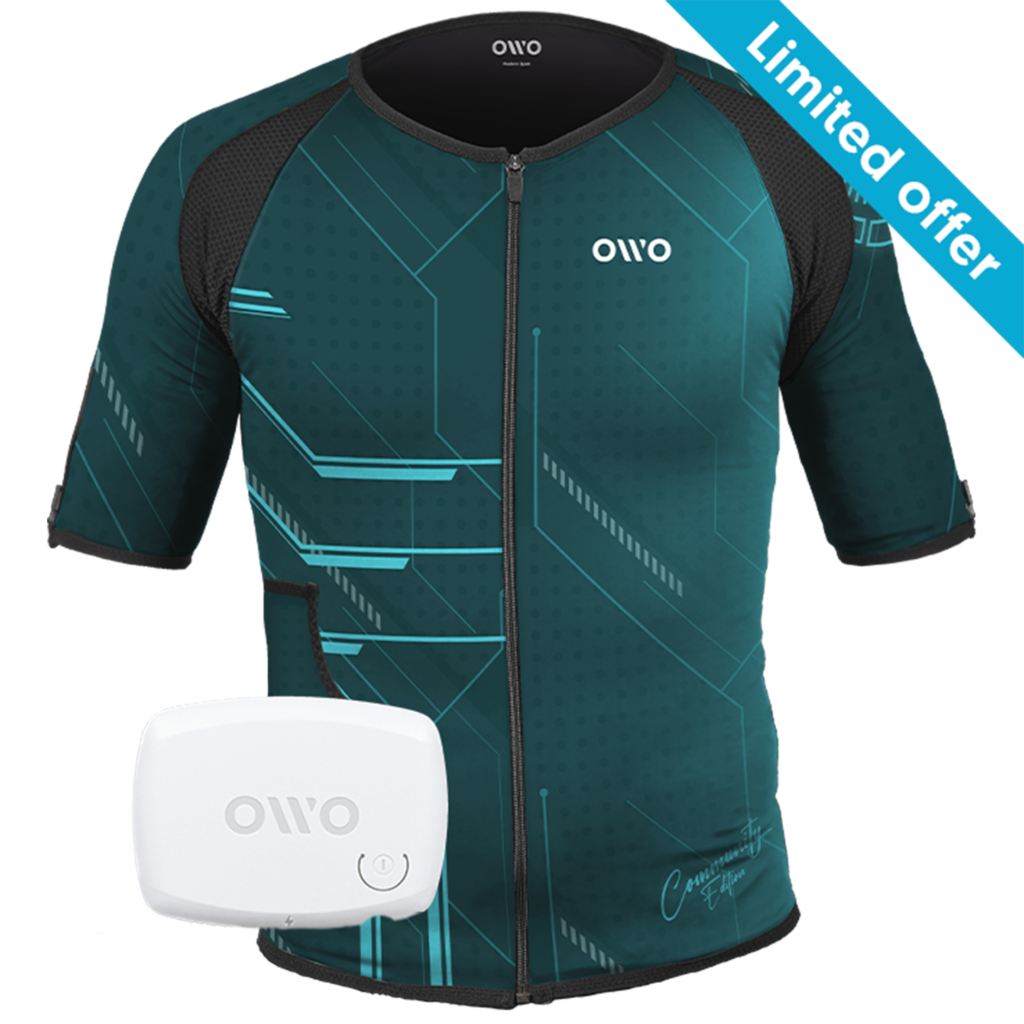
499,00 € Original price was: 499,00 €.349,00 €Current price is: 349,00 €.

OWO Community Month
30% off · Last units
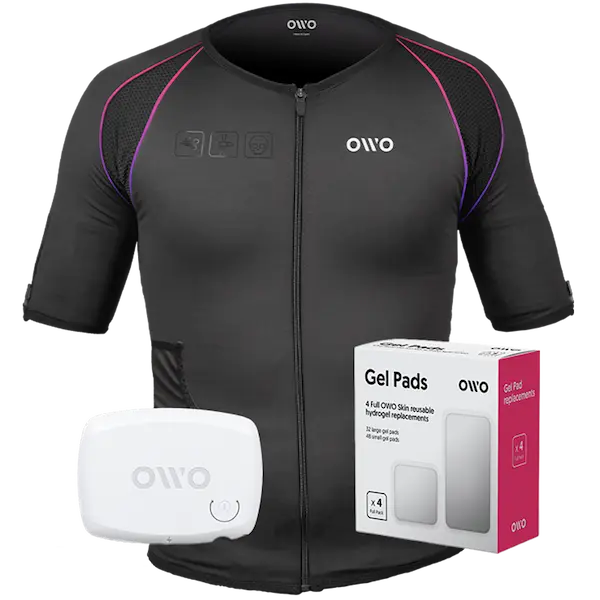
479,00 € Original price was: 479,00 €.407,15 €Current price is: 407,15 €.

Built for instant immersion and uninterrupted play. One iconic black OWO haptic vest, one device, and gels in one essential bundle.
We accept
Secure Checkout
Shopping is always safe and secure
Easy returns
you can request a return within 14 days of delivery
Need more help? Email us or call (+34) 672712281
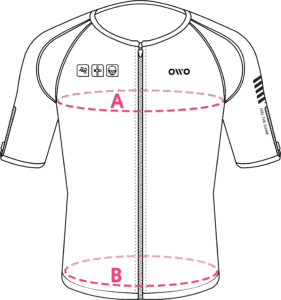
Measure your chest (A) and hips (B) following our indications.
The reference measurement will always be the larger of the two (A or B).
Look in the chart to which size corresponds to that measurement.
| Size | Reference measurements | |
|---|---|---|
| Inches | Centimeters | |
| 2XS | 25.6 – 29.4 | 65 – 74 |
| XS | 29.5 – 32.6 | 75 – 82 |
| S | 32.7 – 36.1 | 83 – 91 |
| M | 36.2 – 39.7 | 92 – 100 |
| L | 39.8 – 42.8 | 101 – 108 |
| XL | 42.9 – 46.3 | 109 – 117 |
| 2XL | 46.4 – 49.9 | 118 – 126 |
| 3XL | 50 – 53 | 127 – 134 |
| 4XL | 53.1 – 55.9 | 135 – 142 |