Install the OWO integration, connect your Skin through MyOWO and bring physical haptic feedback into the survival horror experience.
Before you start
Tormented Souls
Windows x64
BepInEx 5.4.x
MyOWO
OWO Skin
Important:
Make sure BepInEx 5.4.x x64 is installed before adding the OWO integration. Start the game once after installing BepInEx, then close it before continuing.
If you use the community VR mod, install it first. It already includes BepInEx, so you do not need to install BepInEx again.
1
Install BepInEx
Install BepInEx 5.4.x x64 in the Tormented Souls game folder. Launch the game once so BepInEx can create its folders, then close the game.
2
Download the OWO mod
Download the latest Tormented Souls OWO integration from Nexus Mods.
3
Copy the mod files
With the game closed, copy the BepInEx folder included in the OWO package into the Tormented Souls game folder.
4
Check the mod folder
The OWO integration should be located here:
BepInEx\plugins\TormentedSouls_OWO\
5
Connect your OWO Skin
Open MyOWO, connect your OWO Skin and complete calibration.
6
Launch Tormented Souls
Start Tormented Souls and select the game card in MyOWO. MyOWO will not connect to the game until the card is selected. Once the connection is established, you will feel a heartbeat confirmation.
Alternative installation method
You can also install the integration using the included PowerShell installer:
What does Tormented Souls feel like with OWO Skin?
Feel your weapons respond, your heartbeat warn you when danger rises and key survival horror moments become physical.
WEAPON RECOIL
Feel your weapons respond
Feel the physical response when you fire your weapons. Recoil adds another layer to combat, making every shot feel more connected to the action happening on screen.
HEARTBEAT
Feel when survival is hanging by a thread
When your health reaches a critical level, feel a repeating heartbeat through your chest. The physical warning keeps the tension high when every hit could be your last.
PLAYER DEATH
Feel when the nightmare wins
Death triggers a powerful response across the torso, giving the final moment of a failed encounter its own physical ending.
DIRECTIONAL DAMAGE
Feel where the attack comes from
Enemy attacks can be felt around the torso depending on where the hit comes from, adding a physical sense of direction to dangerous encounters.
MORE TO FEEL
Haptics extend beyond direct combat
The integration also includes feedback for healing, reloading, dry firing an empty weapon, interacting with the environment, collecting items, taking out the lighter and completing puzzles, bringing physical responses into both combat and exploration.
FEEL THE HORROR
Survival horror becomes physical.
Feel your weapons respond, your heartbeat warn you when danger closes in and key survival moments become physical with OWO Skin.
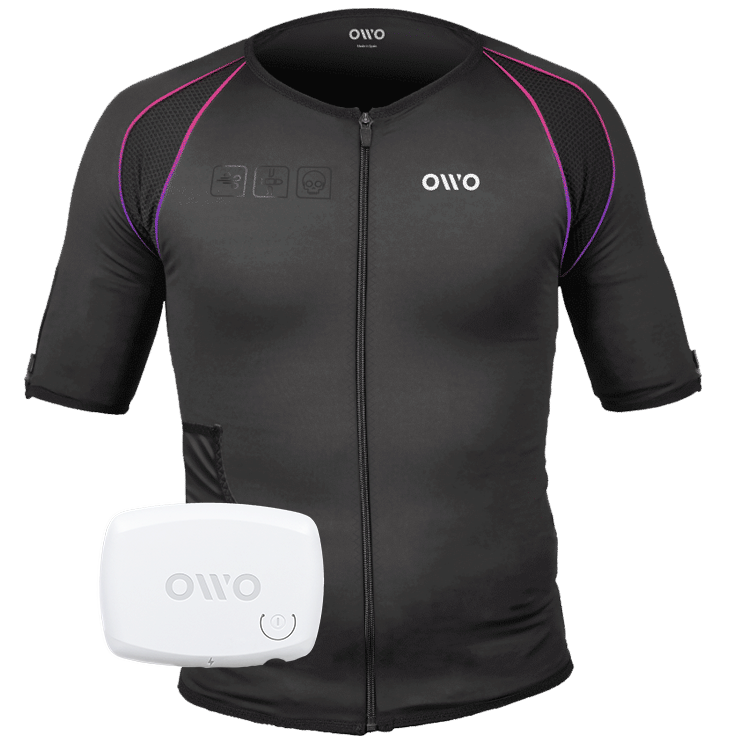
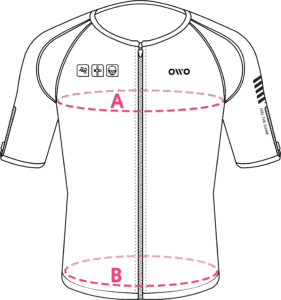
The OWO Original Edition Kit is a haptic gaming vest that uses electrical stimulation, not vibration, to recreate impacts, recoil, tension and environmental effects across 10 active muscle zones. Adjust the intensity to your body and feel 180+ compatible games.