14-Day Returns* · 2-Year Warranty · Worldwide Shipping, US included

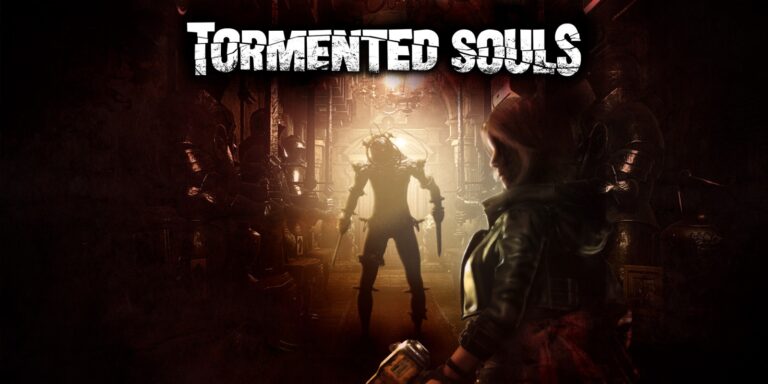
MADiSON VR

A psychological horror experience filled with puzzles, tension, and unsettling supernatural encounters.

OWO Compatibility

MOD

Platform Compatibility

PCVR

Genre

Horror, Puzzle

Available on

OWO implementation guide for MADiSON VR

MADiSON VR with OWO Skin installation guide

INSTALLATION GUIDE

How to play MADiSON VR with OWO Skin

Install the OWO integration, connect your Skin through MyOWO and bring selected scares, heartbeat sequences and disorienting moments into the physical world.

Before you start
PC VR
MelonLoader
.NET 6 plugin
MyOWO
OWO Skin

Important:
Install MelonLoader on the MADiSON VR game executable before copying the OWO integration files.

1
Download the OWO mod
Download the latest MADiSON VR OWO integration from GitHub.

2
Install the files
Close the game and copy the contents of MadisonVR_OWO-1.0.0-owo.1 into the MADiSON VR game folder.
You should end up with:
Mods/MadisonVR_OWO.dll
UserLibs/OWO.dll
UserData/MadisonVR_OWO/
The UserData/MadisonVR_OWO/ folder should contain the configuration .ini file and the 6 .owo sensations.

3
Connect your OWO Skin
Open MyOWO and make sure your OWO Skin is connected and calibrated before launching MADiSON VR.

4
Launch MADiSON VR
Launch the game and select the MADiSON VR game card in MyOWO.

Having connection problems?
If MADiSON VR does not connect to MyOWO, for example because a VPN or network is blocking broadcast traffic, set ServerIp= to the IP address shown in MyOWO and restart the game.

How to uninstall the integration
Delete:
Mods/MadisonVR_OWO.dll
UserData/MadisonVR_OWO/
Keep UserLibs/OWO.dll if another OWO mod requires it. No other game files are modified.

MADiSON VR OWO Skin haptic experience

THE EXPERIENCE

What does MADiSON VR feel like with OWO Skin?

MADiSON VR already builds tension through sound, darkness and anticipation. OWO Skin adds another layer by giving selected scares, heartbeat sequences and disorienting moments their own physical response.

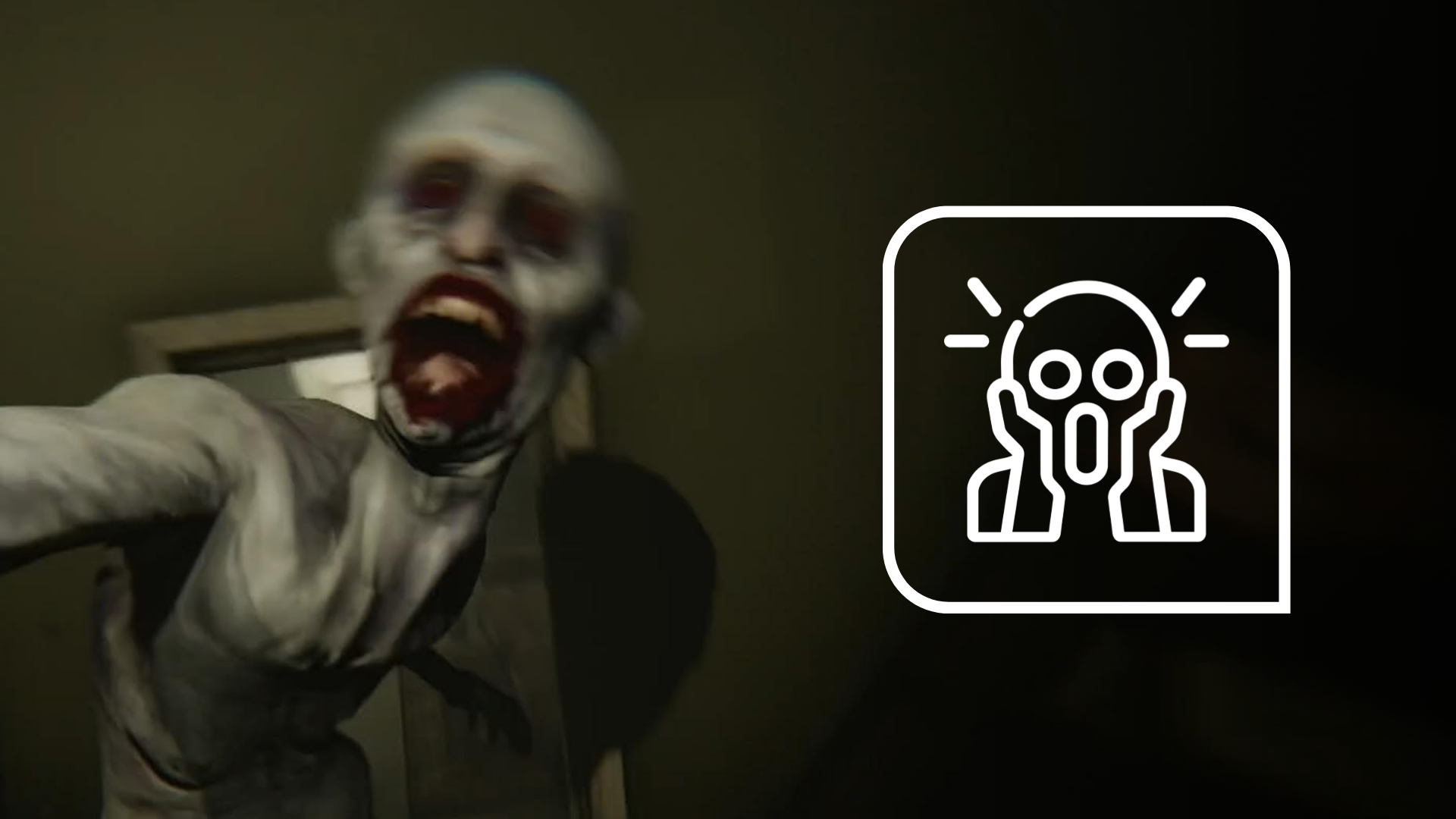
JUMPSCARES

Feel the initial shock

Selected scares trigger a physical response across the chest, abdomen and back, turning a sudden visual and audio event into something that reaches beyond the headset.
MADiSON VR jumpscare with OWO Skin

DIZZINESS

A slower kind of discomfort

Not every horror moment needs a sudden impact. Dizziness uses longer, lower-intensity feedback across the torso to reinforce scenes built around disorientation and psychological tension.
MADiSON VR dizziness and tension with OWO Skin

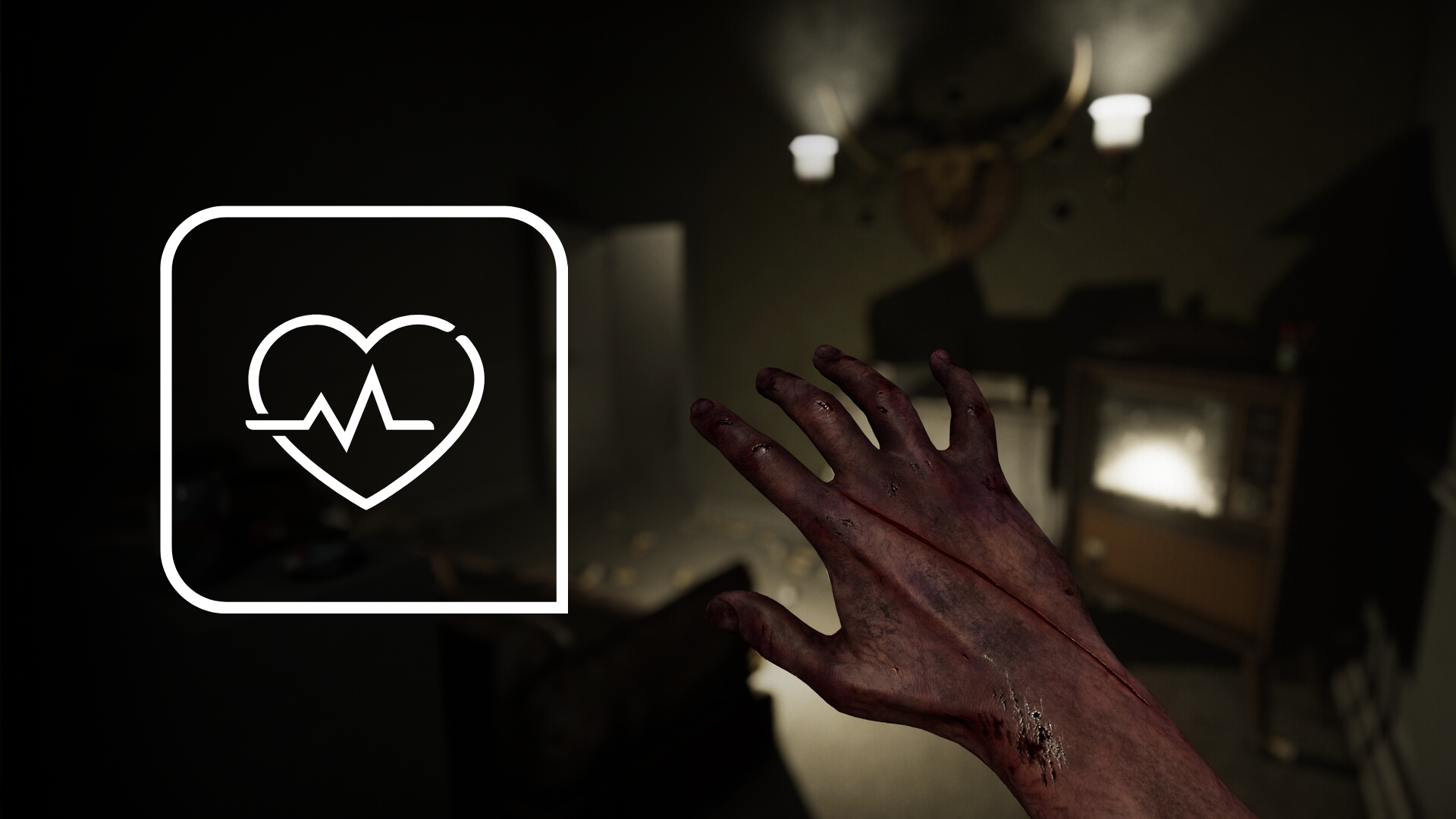
HEARTBEAT

Let the fear stay longer

Pulses around the left side of the chest can continue after the first shock, extending the aftermath of a scare even after the visual event is over.
HORROR PACING

Silence makes the next sensation matter

OWO does not need to react constantly. The quiet moments create anticipation, making the next physical response feel more noticeable when something finally happens.

WHY IT WORKS IN HORROR

The fear does not have to stay inside the headset

VR already places you inside the scene. OWO Skin adds another channel to the experience, allowing selected moments to arrive visually, audibly and physically while leaving space between sensations for tension to build again.

MADiSON VR with OWO Skin setup

BUILT FOR PSYCHOLOGICAL HORROR

The most uncomfortable moment is often the one before anything happens.

Jumpscares are sudden. Heartbeat is rhythmic. Dizziness is prolonged. By giving each supported moment a different physical character, OWO Skin follows the tension and pacing of MADiSON VR instead of turning every scare into the same response.

Need help installing mods?

Connect with other developers and get support in the OWO Discord community

Join our Discord

Or get personal help from us!

Choose your edition

Cart

Your cart is currently empty.

Return to shop

We accept

Secure Checkout

Shopping is always safe and secure

Easy returns

you can request a return within 14 days of delivery

Need more help? Email us or call (+34) 672712281

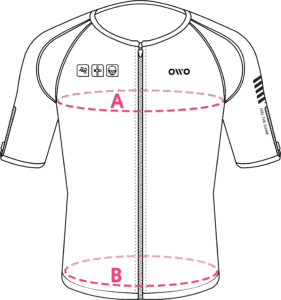
Measure your chest (A) and hips (B) following our indications. 

The reference measurement will always be the larger of the two (A or B).

Look in the chart to which size corresponds to that measurement.
Size chart
SizeReference measurements
 InchesCentimeters
2XS25.6 – 29.465 – 74
XS29.5 – 32.675 – 82
S32.7 – 36.183 – 91
M36.2 – 39.792 – 100
L39.8 – 42.8101 – 108
XL42.9 – 46.3109 – 117
2XL46.4 – 49.9118 – 126
3XL50 – 53127 – 134
4XL53.1 – 55.9135 – 142