14-Day Returns* · 2-Year Warranty · Worldwide Shipping, US included

14-Day Returns* · 2-Year Warranty · Worldwide Shipping, US included
14-Day Returns* · 2-Year Warranty
Worldwide Shipping, US included
14-Day Returns*
2-Year Warranty
Worldwide Shipping, US Included


Connect with other developers and get support in the OWO Discord community
Join our DiscordOr get personal help from us!
CA$729.00

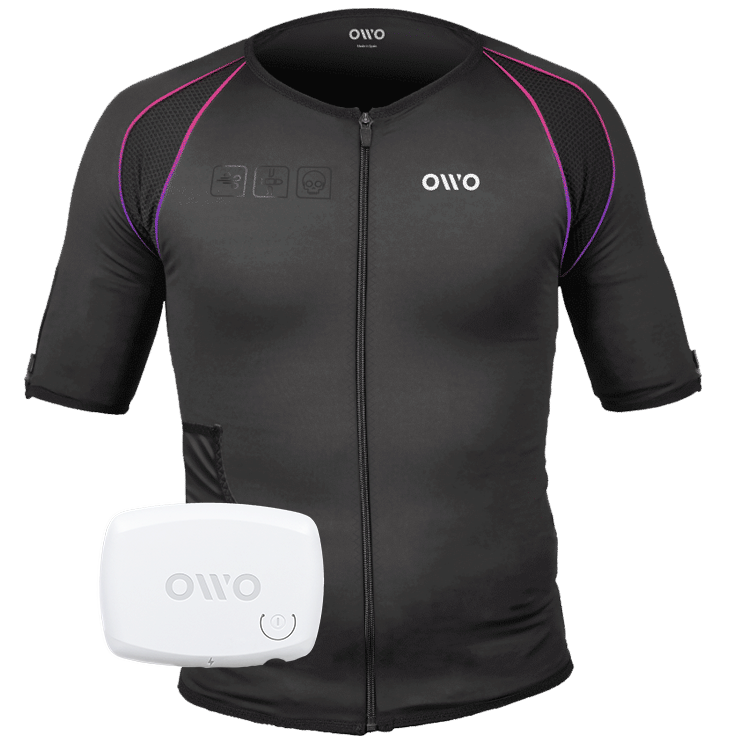
The OWO Original Edition Kit is a haptic gaming vest that uses electrical stimulation, not vibration, to recreate impacts, recoil, tension and environmental effects across 10 active muscle zones. Adjust the intensity to your body and feel 180+ compatible games.
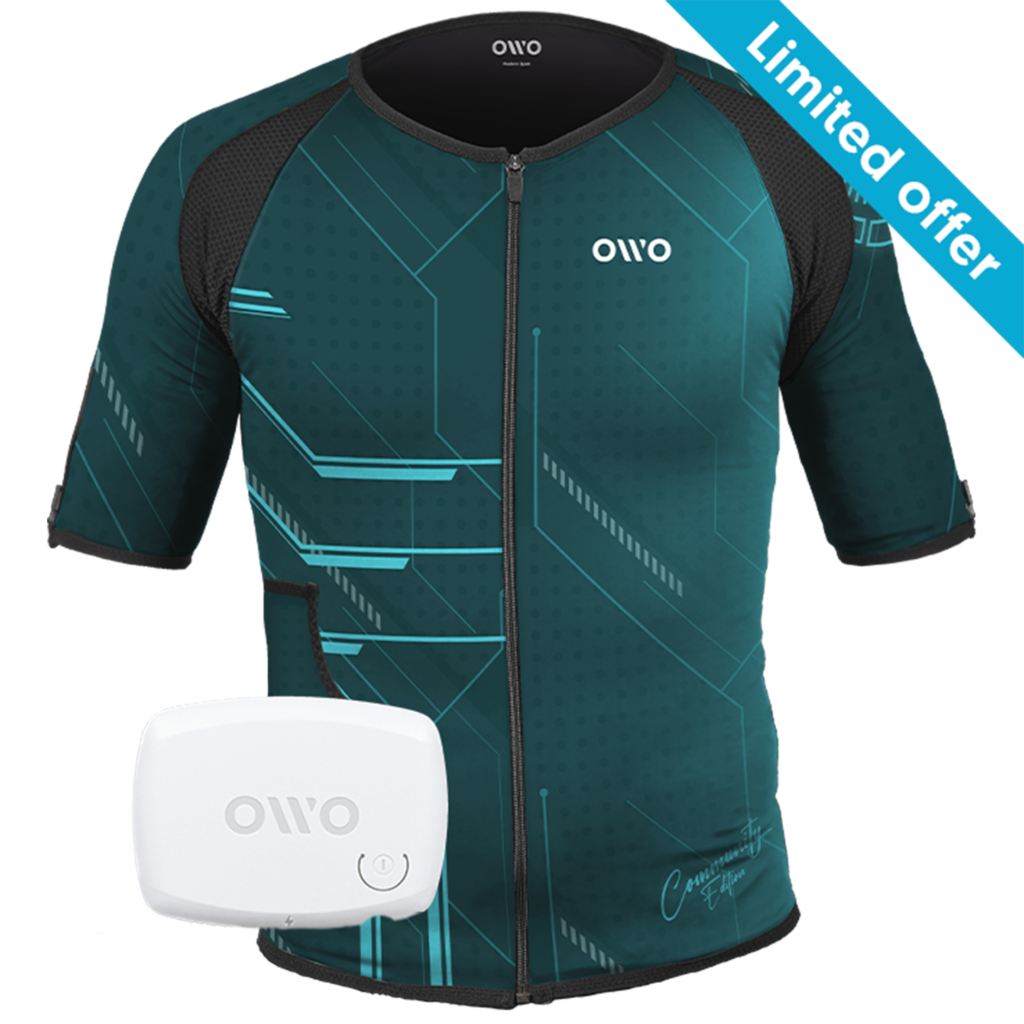
CA$819.00 Original price was: CA$819.00.CA$569.00Current price is: CA$569.00.

OWO Community Month
30% off · Last units
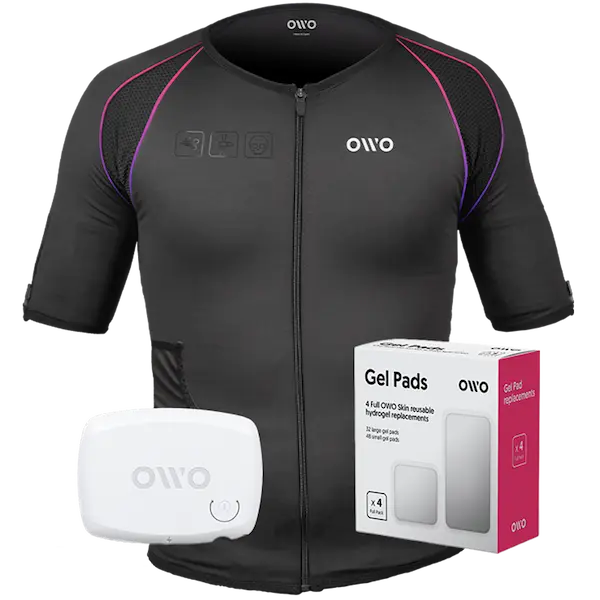
CA$769.00

Built for instant immersion and uninterrupted play. One iconic black OWO haptic vest, one device, and gels in one essential bundle.
We accept
Secure Checkout
Shopping is always safe and secure
Easy returns
you can request a return within 14 days of delivery
Need more help? Email us or call (+34) 672712281
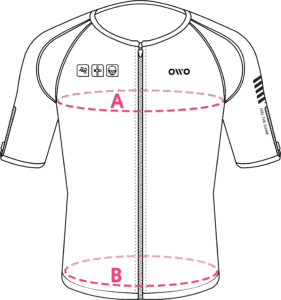
Measure your chest (A) and hips (B) following our indications.
The reference measurement will always be the larger of the two (A or B).
Look in the chart to which size corresponds to that measurement.
| Size | Reference measurements | |
|---|---|---|
| Inches | Centimeters | |
| 2XS | 25.6 – 29.4 | 65 – 74 |
| XS | 29.5 – 32.6 | 75 – 82 |
| S | 32.7 – 36.1 | 83 – 91 |
| M | 36.2 – 39.7 | 92 – 100 |
| L | 39.8 – 42.8 | 101 – 108 |
| XL | 42.9 – 46.3 | 109 – 117 |
| 2XL | 46.4 – 49.9 | 118 – 126 |
| 3XL | 50 – 53 | 127 – 134 |
| 4XL | 53.1 – 55.9 | 135 – 142 |