14-Day Returns* · 2-Year Warranty · Worldwide Shipping, US included

No Man’s Sky

Explore an infinite universe, discover unique planets, survive hostile worlds, and forge your own path among the stars.

OWO Compatibility

MOD

Platform Compatibility

PC, PCVR

Genre

Open World, Survival

Available on

OWO implementation guide for No Man’s Sky

No Man's Sky with OWO Skin installation guide

INSTALLATION GUIDE

How to play No Man’s Sky with OWO Skin

Install the OWO integration, connect your Skin through MyOWO and bring exploration, mining, movement and spaceship gameplay into the physical world.

Before you start
Windows x64
Steam version
Python 3.11 x64
MyOWO
Same local network

Important:
Use 64-bit Python 3.11 with Add Python to PATH enabled. NMS.py does not work with Python 3.12 or later, or with the Microsoft Store build of Python.

1
Download the OWO mod
Download the latest No Man’s Sky OWO integration from Nexus Mods.

2
Extract the integration
Extract the NoMansSky_OWO folder wherever you prefer. For example:
C:\NMS_OWO\
Do not place it inside the game folder. Add the folder to your antivirus exclusions, as Windows Defender may remove nms_owo_bridge.dll without warning.

3
Run the setup
Run 01 Setup.bat once. This creates the Python environment and installs NMS.py, and usually takes around one minute.
If you play in VR, add the following to the game’s Steam launch options:
-HmdEnable 1

4
Launch No Man’s Sky
Open MyOWO with your OWO Skin connected and calibrated, run 02 Launch.bat, then select the No Man’s Sky game card in MyOWO.
Once connected, you will feel a single soft heartbeat.

5
Update after game patches
Whenever No Man’s Sky is updated, run 03 Update.bat. This updates only NMS.py and does not modify any of the OWO mod files.

Having connection problems?
If No Man’s Sky does not connect to MyOWO, for example because a VPN or network is blocking broadcast traffic, set ServerIp= to the IP address shown in MyOWO and restart the game.

How to uninstall the integration
Delete the NoMansSky_OWO folder. Nothing is written to the game folder, Windows Registry or Steam.

No Man’s Sky OWO Skin haptic experience

THE EXPERIENCE

What does No Man’s Sky feel like with OWO Skin?

No Man’s Sky constantly shifts between exploration, resource gathering, movement, combat and flight. OWO Skin gives many of those transitions their own physical response.

EXPLORATION + DAMAGE

Feel the world around you

Exploration is not limited to combat. Scanning, collecting resources and interactions can all have their own feedback, while incoming damage can be mapped across different horizontal sectors to help communicate where danger is coming from.
No Man’s Sky exploration and directional damage with OWO Skin

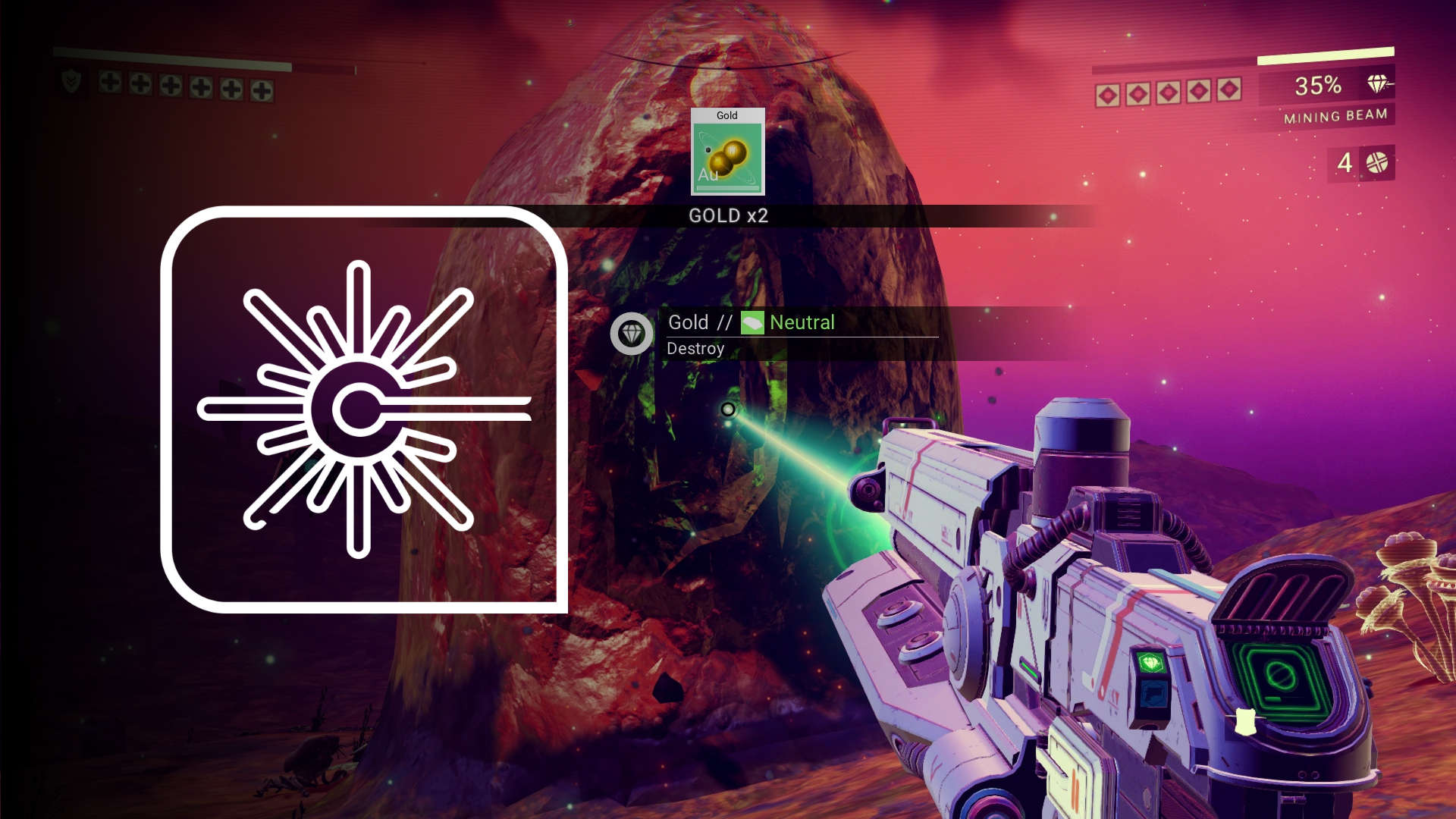
MULTITOOL + MINING

Tools become physical

The mining laser uses sustained feedback across the arm and chest while active, while multitool shots use shorter responses. Left- and right-hand versions help the sensation follow the player’s dominant hand.
No Man’s Sky mining laser and multitool haptics with OWO Skin

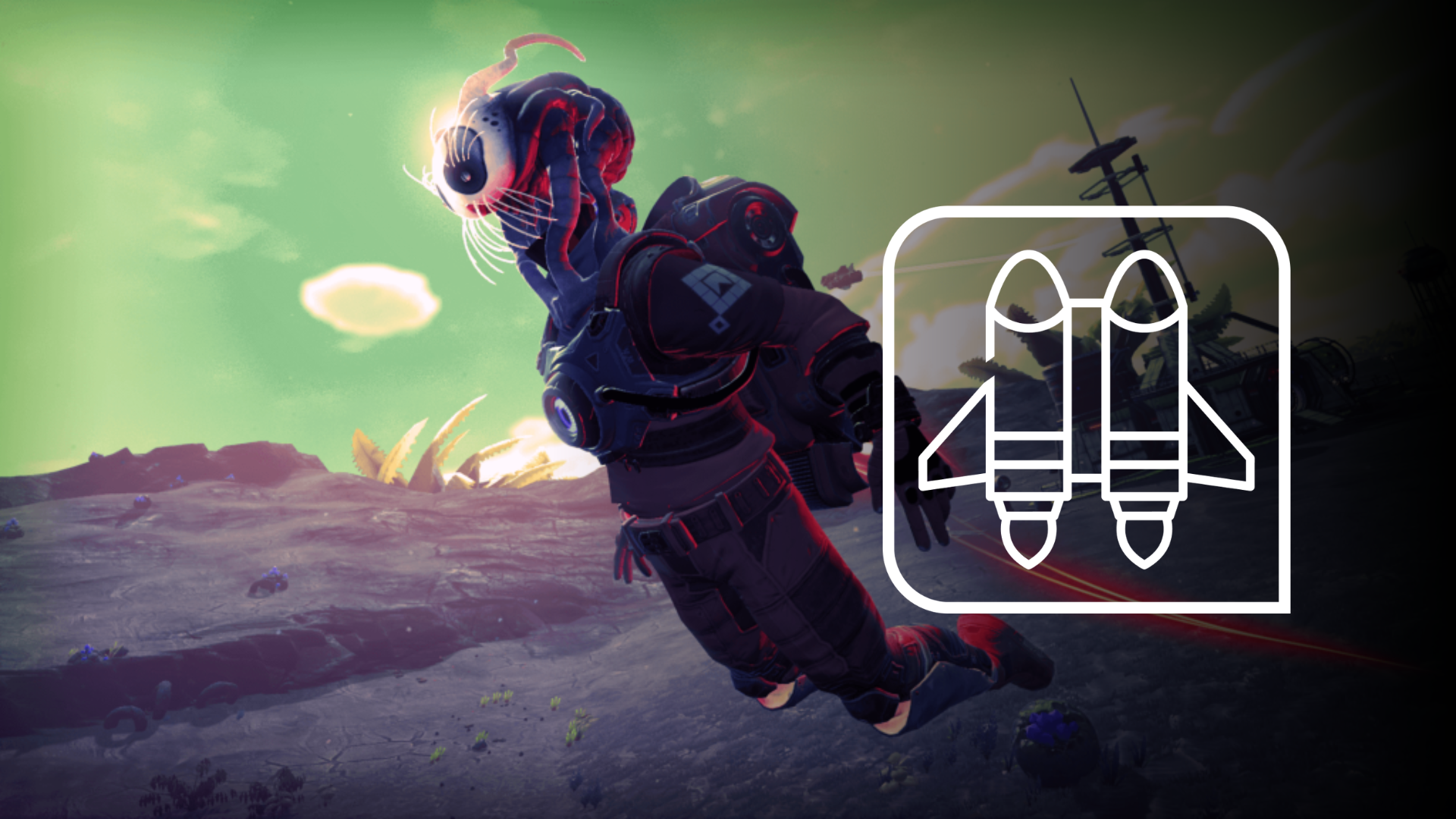
JETPACK

Movement has weight

Sustained feedback across the back and lower torso accompanies jetpack use, creating a physical sense of propulsion rather than another generic impact.
SPACESHIP

Feel the transition into flight

Entering the cockpit, takeoff, landing, acceleration, pulse drive and ship weapons can all have their own physical responses as the game moves from planetary exploration into flight.

SCANNING + INTERACTION

Discovery has its own physical language

Scanning, scan waves, interactions, mission objects, terminals and other supported world elements use lighter physical cues. This preserves contrast so exploration can remain expressive without every interaction competing with combat or movement.

No Man’s Sky with OWO Skin setup

BUILT FOR A CHANGING UNIVERSE

From the planet beneath you to the ship around you.

Mining, scanning, jetpack movement, directional damage and spaceship actions are completely different activities. Giving supported events their own physical identities lets OWO Skin follow the changing rhythm of No Man’s Sky instead of reducing everything to one repeated sensation.

Need help installing mods?

Connect with other developers and get support in the OWO Discord community

Join our Discord

Or get personal help from us!

Choose your edition

Cart

Your cart is currently empty.

Return to shop

We accept

Secure Checkout

Shopping is always safe and secure

Easy returns

you can request a return within 14 days of delivery

Need more help? Email us or call (+34) 672712281

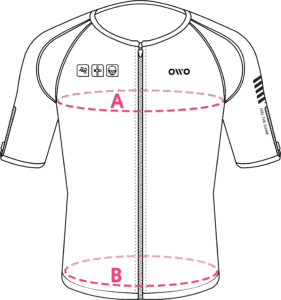
Measure your chest (A) and hips (B) following our indications. 

The reference measurement will always be the larger of the two (A or B).

Look in the chart to which size corresponds to that measurement.
Size chart
SizeReference measurements
 InchesCentimeters
2XS25.6 – 29.465 – 74
XS29.5 – 32.675 – 82
S32.7 – 36.183 – 91
M36.2 – 39.792 – 100
L39.8 – 42.8101 – 108
XL42.9 – 46.3109 – 117
2XL46.4 – 49.9118 – 126
3XL50 – 53127 – 134
4XL53.1 – 55.9135 – 142