14-Day Returns* · 2-Year Warranty · Worldwide Shipping, US included

Minecraft

Minecraft is an open-world game with no clearly defined end. This allows for great freedom in terms of how you choose to play. Despite this, the game has a system that awards achievements for completing certain actions.

OWO Compatibility

MOD

Platform Compatibility

PCVR

Genre

Adventure, Open World, Survival

Available on

OWO implementation guide for Minecraft

Minecraft with OWO Skin installation guide

COMMUNITY MOD · INSTALLATION GUIDE

How to play Minecraft with OWO Skin

Install the OWO Integration Mod for Fabric, connect your Skin and bring explosions, environmental effects, enemy attacks and other Minecraft events into the physical world.

COMMUNITY MOD
This integration was created by ImBoyYoGG and is available through Modrinth.

Before you start
Minecraft Java
Fabric
Required dependencies
MyOWO
OWO Skin

Important:
Install the correct Fabric version and all dependencies listed on the Modrinth page before launching Minecraft.

1
Install Minecraft Fabric
Set up Minecraft with Fabric before adding the OWO integration.

2
Download the OWO Integration Mod
Download the community integration from Modrinth.

3
Install the mod and dependencies
Drop the OWO Integration Mod into your Minecraft mods folder and install the required dependencies listed on Modrinth.

4
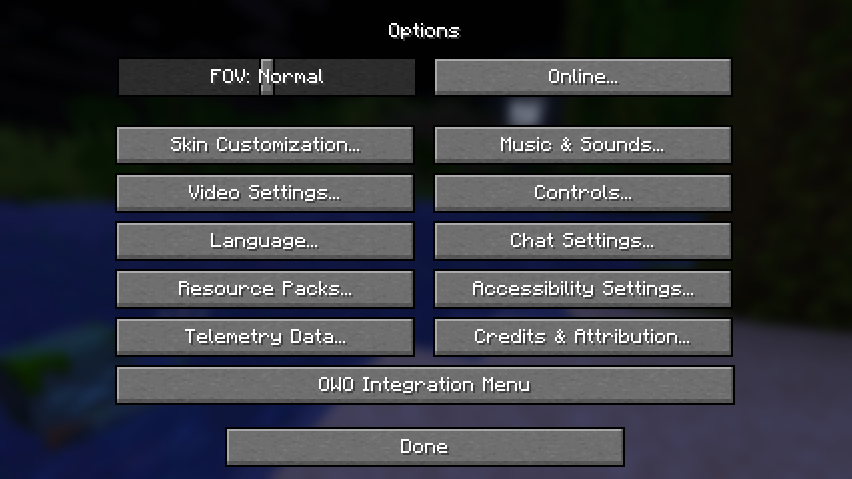
Open the OWO Integration Menu
Launch Minecraft, open Options and select OWO Integration Menu.
Minecraft OWO Integration Menu

5
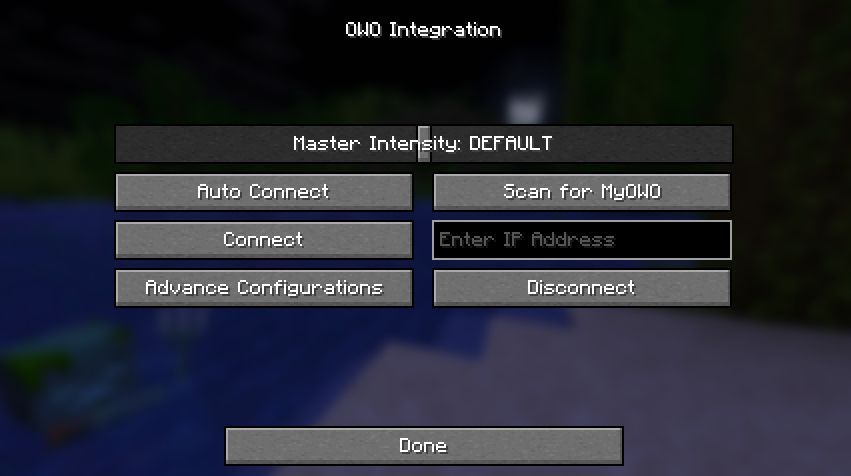
Connect your OWO Skin
Inside the OWO Integration Menu, click Auto Connect to connect the game to your OWO Skin.
Minecraft OWO Auto Connect option

More information about the mod
For dependencies, updates and complete documentation, visit the OWO Integration Mod page on Modrinth.

Minecraft OWO Skin haptic experience

THE EXPERIENCE

What does Minecraft feel like with OWO Skin?

Minecraft is full of small interactions, environmental hazards and sudden threats. OWO Skin gives supported events their own physical response, from explosions and fire to enemy attacks and environmental effects.

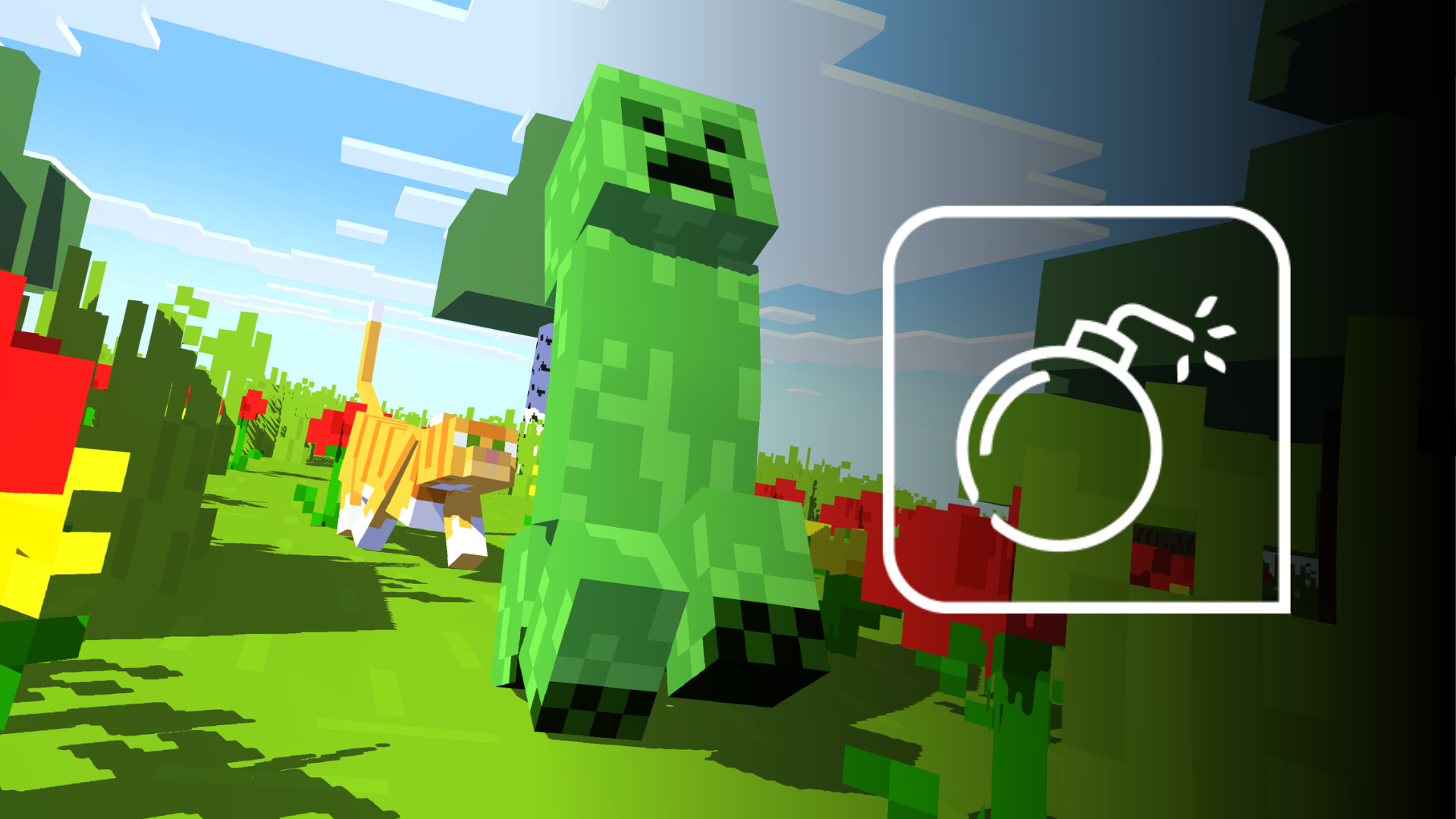
EXPLOSION

Feel when the world suddenly blows up

Explosions can trigger a strong physical response across the body, giving TNT, Creepers and other explosive events a different presence when they happen close to the player.
Minecraft explosion with OWO Skin

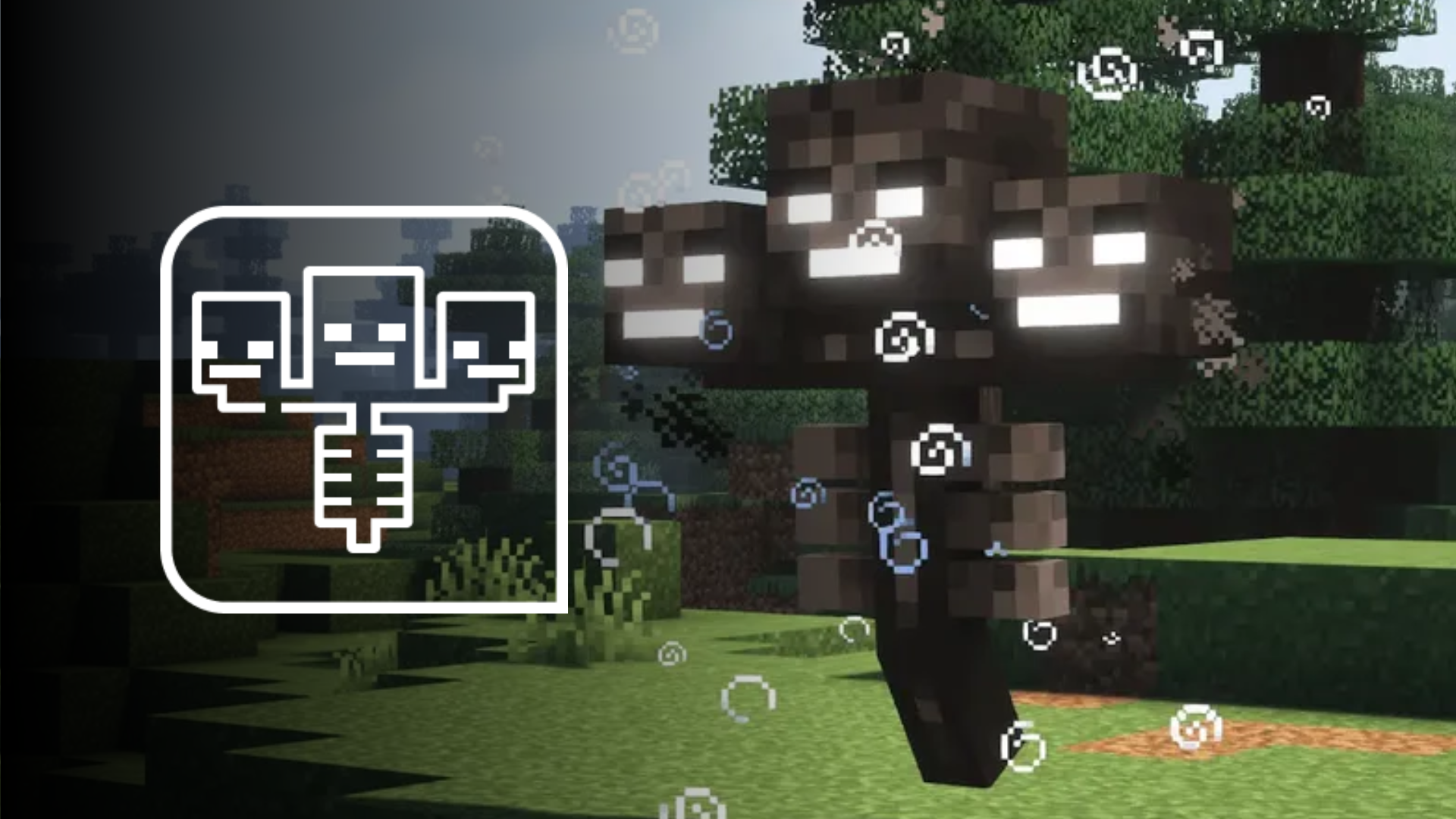
WARDEN SONIC BOOM

Feel the Warden before it reaches you

The Warden’s sonic boom can become a physical event through OWO Skin, adding another layer to one of Minecraft’s most dangerous encounters and making the attack extend beyond what you see and hear.
Minecraft Warden sonic boom with OWO Skin

FIRE

Environmental danger becomes physical

Catching fire can trigger its own haptic response, giving environmental hazards a different physical identity from direct attacks or explosions.
FALL DAMAGE

Feel when the landing goes wrong

Falls have their own physical response, helping a bad landing feel different from combat, fire or other types of incoming danger.

MORE TO FEEL

Minecraft has more than one kind of danger

The integration can also respond to other supported events such as arrows, rain, lava, anvil impacts, freezing, drowning, cactus damage and toxic effects. Giving different events their own physical character helps the haptics follow Minecraft’s variety instead of reducing every interaction to the same response.

Minecraft with OWO Skin setup

BUILT FOR A WORLD FULL OF SURPRISES

You never know what Minecraft will throw at you next. Now you can feel more of it.

Explosions, the Warden, fire, falls and environmental hazards all represent different moments in the game. OWO Skin gives supported events their own physical response so Minecraft can reach beyond the screen.

Need help installing mods?

Connect with other developers and get support in the OWO Discord community

Join our Discord

Or get personal help from us!

Choose your edition

Cart

Your cart is currently empty.

Return to shop

We accept

Secure Checkout

Shopping is always safe and secure

Easy returns

you can request a return within 14 days of delivery

Need more help? Email us or call (+34) 672712281

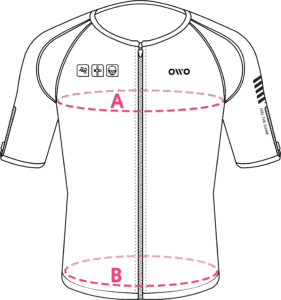
Measure your chest (A) and hips (B) following our indications. 

The reference measurement will always be the larger of the two (A or B).

Look in the chart to which size corresponds to that measurement.
Size chart
SizeReference measurements
 InchesCentimeters
2XS25.6 – 29.465 – 74
XS29.5 – 32.675 – 82
S32.7 – 36.183 – 91
M36.2 – 39.792 – 100
L39.8 – 42.8101 – 108
XL42.9 – 46.3109 – 117
2XL46.4 – 49.9118 – 126
3XL50 – 53127 – 134
4XL53.1 – 55.9135 – 142