Half-Life: Alyx

Half-Life: Alyx is Valve’s VR return to the Half-Life series. It’s the story of an impossible fight against a vicious alien race known as the combine, set between the events of Half-Life and Half-Life 2. Playing as Alyx Vance, you are humanity’s only chance for survival.

OWO Compatibility

MOD

Platform Compatibility

PCVR

Genre

Shooter (FPS / TPS)

Available on

OWO implementation guide for Half-Life: Alyx

Half-Life Alyx with OWO Skin installation guide

INSTALLATION GUIDE

How to play Half-Life: Alyx with OWO Skin

Install the OWO interface and mod, connect your Skin and bring supported combat moments from City 17 into the physical world.

Before you start
PCVR
Steam version
OWO Alyx Interface
MyOWO
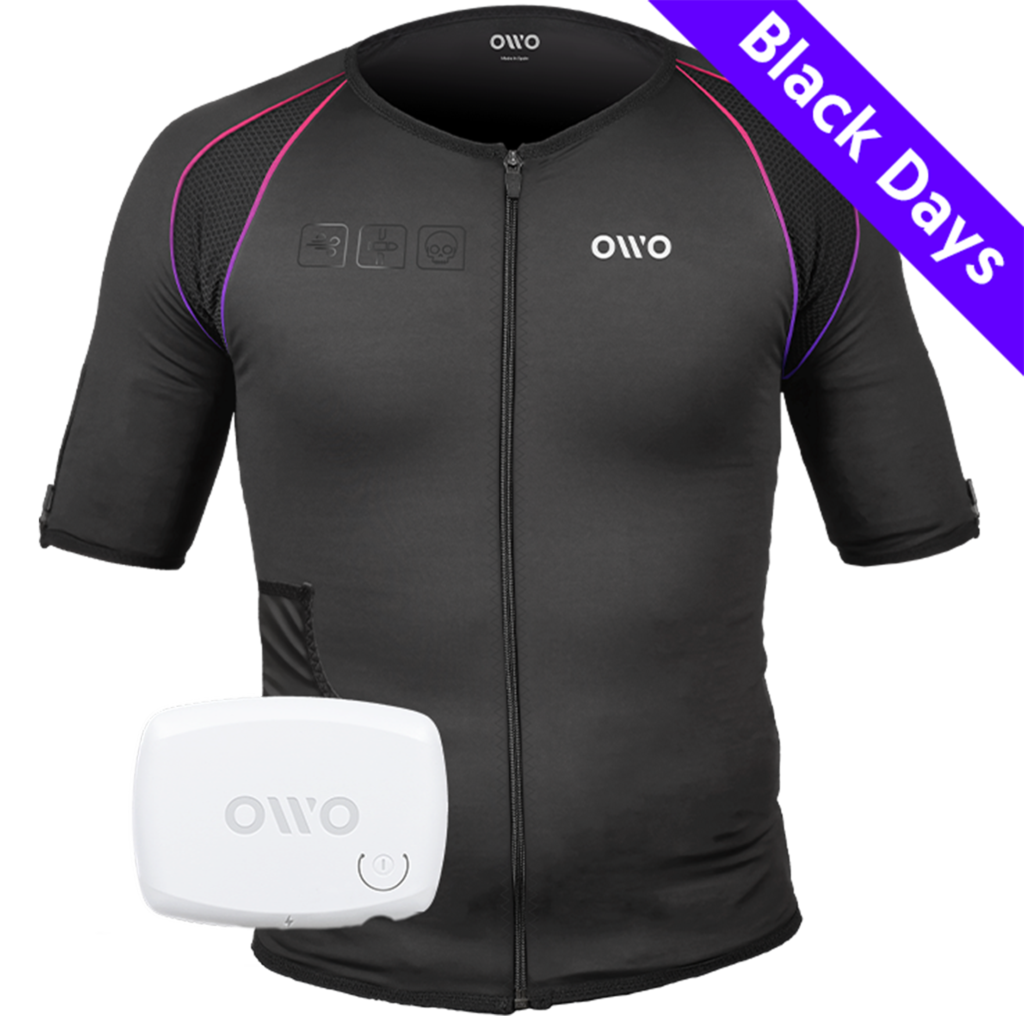
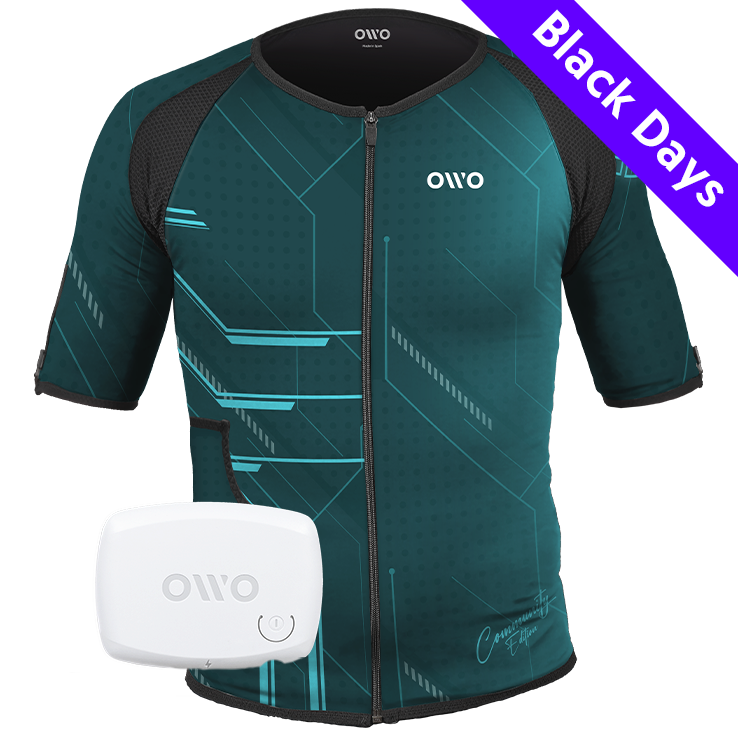
OWO Skin

Important:
Add -condebug to the Half-Life: Alyx Steam launch options before using the mod.

1
Download the OWO mod
Download the Half-Life: Alyx OWO integration from GitHub and the corresponding files from Nexus Mods.

2
Add the Steam launch option
Open Half-Life: Alyx in your Steam Library, go to Properties and add:
-condebug

3
Install the mod
Installer: run the application included in the OWOAlyx compressed file, select your Half-Life: Alyx installation folder and click Install Mod.
Manual installation: extract the Scripts package into your Half-Life: Alyx directory so the following path exists:
Steam\steamapps\common\Half-Life Alyx\game\hlvr\scripts\vscripts
Then extract the Application package wherever you prefer, run OWOAlyx.exe and set your Half-Life: Alyx folder correctly.

4
Connect and launch
Start the OWO Half-Life: Alyx Interface, click Auto-Connect and then launch the game.

Having connection problems?
If Auto-Connect does not work, use Connect to IP in the OWO Half-Life: Alyx Interface and enter the appropriate local IP address before launching the game.

Manual or installer?
The installer is the quickest option. Manual installation is useful if you prefer to control where each file is placed. Both methods use the same OWO Half-Life: Alyx interface when playing.

Half-Life Alyx OWO Skin haptic experience

THE EXPERIENCE

What does Half-Life: Alyx feel like with OWO Skin?

Half-Life: Alyx already turns movement, aiming and interaction into physical VR actions. OWO adds another layer by letting supported combat moments reach your body too.

DAMAGE

Feel when City 17 hits back

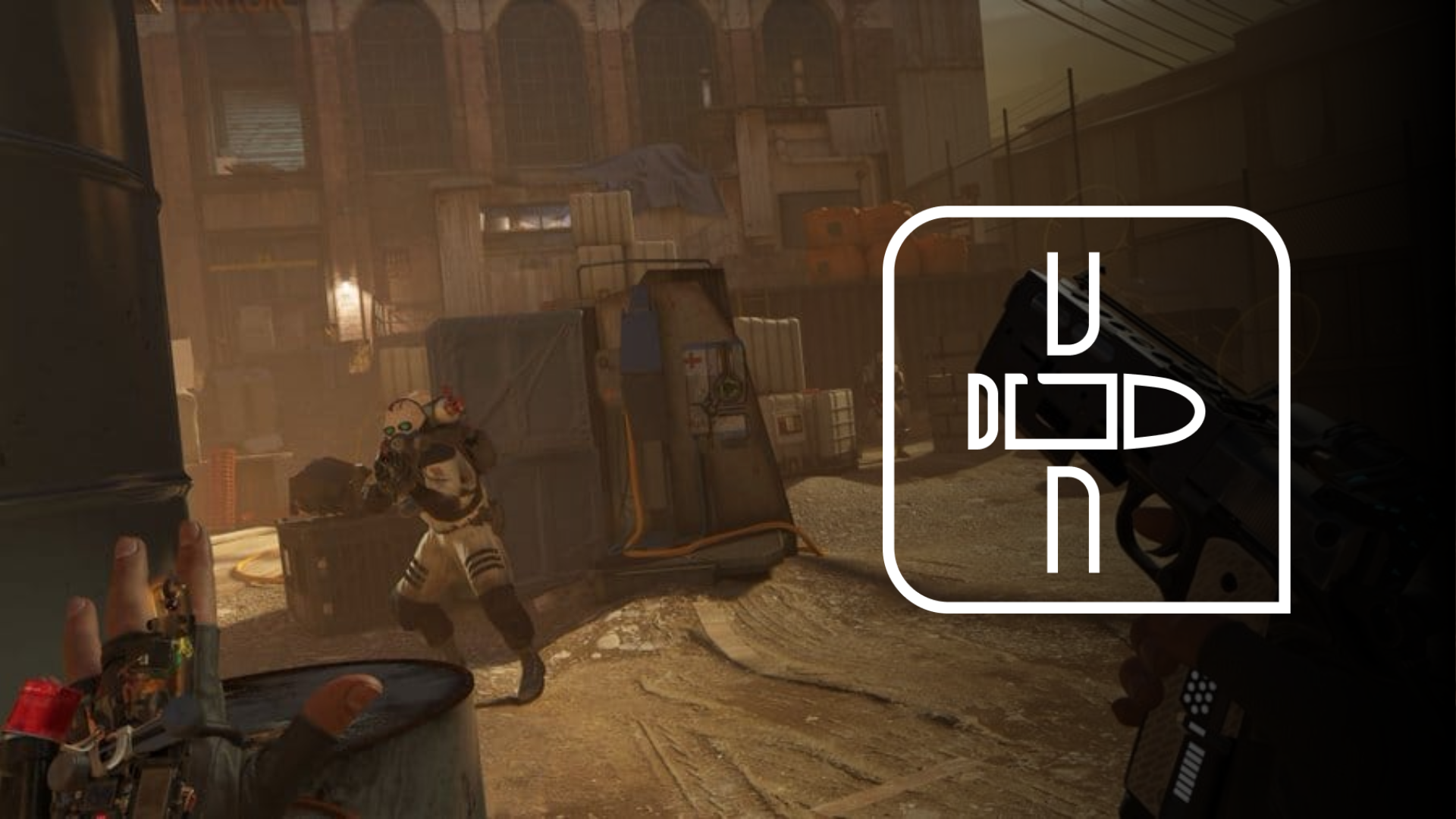
When Alyx takes a supported hit, OWO Skin can add a physical response to the encounter. Incoming attacks no longer have to exist only as visual and audio feedback inside the headset.
Half-Life Alyx taking damage with OWO Skin

SHOOTING

Don’t just fire. Feel it.

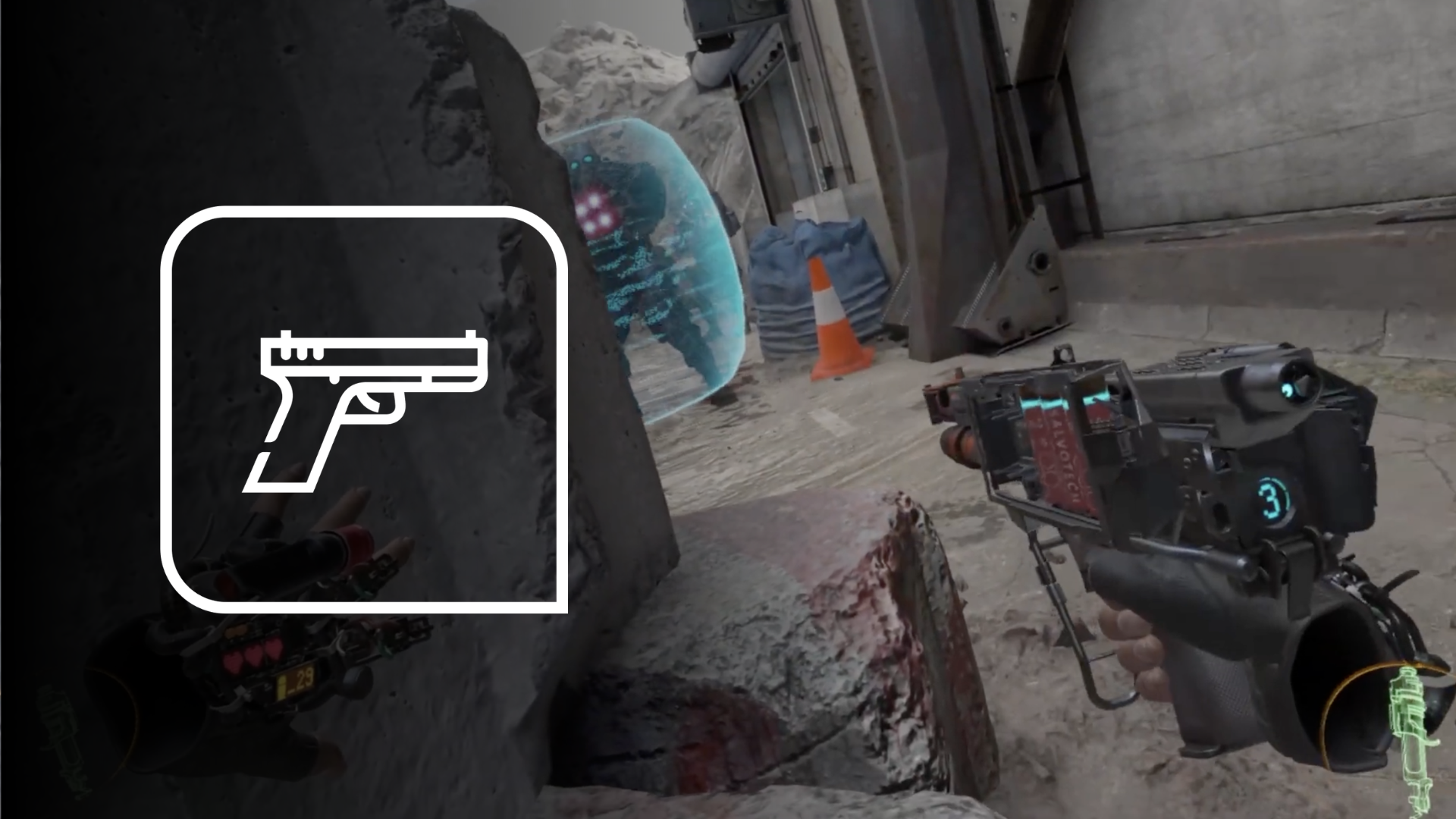
Supported weapon fire can trigger physical feedback through OWO Skin, adding another layer to gunfights while you physically aim and move through VR.
Half-Life Alyx shooting with OWO Skin

HEALING

Recover and keep moving

Healing has its own supported physical response, creating contrast between taking damage and recovering from it during an encounter.
VR PRESENCE

Your body is already part of the game

You aim physically, search environments with your hands, lean around corners and interact directly with the world. OWO adds another physical channel to that sense of presence.

WHY IT WORKS IN VR

Make the distance between virtual and physical feel smaller

Half-Life: Alyx already creates presence through movement, scale and direct interaction. Physical feedback adds another layer to supported encounters, helping those moments extend beyond what happens visually inside the headset.

Half-Life Alyx with OWO Skin setup

FEEL CITY 17

Put on your headset. Connect your OWO Skin. Step into City 17.

You already know what Half-Life: Alyx looks and sounds like. OWO adds another way to experience supported moments: take damage, fire back, heal and keep moving through one of VR’s most immersive worlds.

Need help installing mods?

Connect with other developers and get support in the OWO Discord community

Join our Discord

Or get personal help from us!

Explore more compatible games

Choose your edition

Cart

Your cart is currently empty.

Return to shop

We accept

Secure Checkout

Shopping is always safe and secure

Easy returns

you can request a return within 14 days of delivery

Need more help? Email us or call (+34) 672712281

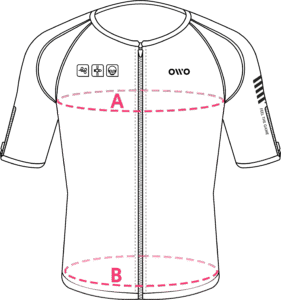
Measure your chest (A) and hips (B) following our indications. 

The reference measurement will always be the larger of the two (A or B).

Look in the chart to which size corresponds to that measurement.
Size chart
SizeReference measurements
 InchesCentimeters
2XS25.6 – 29.465 – 74
XS29.5 – 32.675 – 82
S32.7 – 36.183 – 91
M36.2 – 39.792 – 100
L39.8 – 42.8101 – 108
XL42.9 – 46.3109 – 117
2XL46.4 – 49.9118 – 126
3XL50 – 53127 – 134
4XL53.1 – 55.9135 – 142