HALLOWEEN SALE · OWO Skin Essentials kit 15% off

Beat Saber

Beat Saber is a rhythmic VR game where you slice the beats of pulsating music as they fly towards you, surrounded by a futuristic world.

OWO Compatibility

MOD

Platform Compatibility

PCVR

Genre

Rhythm / Music

Available on

OWO implementation guide for Beat Saber

Beat Saber with OWO Skin installation guide

INSTALLATION GUIDE

How to play Beat Saber with OWO Skin

Install BSIPA, add the OWO mod and connect your Skin to feel supported Beat Saber events such as slicing blocks, missing notes, grenade explosions and wall hits.

Before you start
Beat Saber
PC VR
BSIPA
OWO Mod
MyOWO
OWO Skin

Important:
Install BSIPA first and launch Beat Saber once before installing the OWO mod. There are also two versions of the mod: the standard build and a NoSlice build for players who do not want slicing sensations constantly overriding other important effects.

DOWNLOAD
You can install BSIPA through ModAssistant. If you want the OWO mod without a Nexus Mods account, you can download it directly from GitHub.

1
Install BSIPA
Install BSIPA into your Beat Saber installation directory. The easiest way is through ModAssistant.

2
Launch Beat Saber once
Open Beat Saber one time so BSIPA can finish setting itself up correctly.

3
Choose your OWO mod build
Download the OWO mod and choose between the standard build or the NoSlice build, depending on whether you want slicing sensations active.

4
Extract the mod into the game root directory
Extract the ZIP into your Beat Saber root folder. After installing BSIPA, the game structure should include folders such as Beat Saber_Data, Libs and Plugins.

5
Connect and play
Start MyOWO on the same network, connect your OWO Skin and then launch Beat Saber.

Auto-connect not working?
You can connect manually by creating a file called OWO_Manual_IP.txt inside the UserData folder and writing the IP address of your OWO Skin inside it.

Need help with the mod?
If you have issues or suggestions, the best way to get help is through the OWO Discord: Join the Discord.

Beat Saber OWO Skin haptic experience

THE EXPERIENCE

What does Beat Saber feel like with OWO Skin?

Beat Saber is all about rhythm, timing and reaction. OWO Skin adds physical feedback to supported moments so the music experience becomes more than visual and audio.

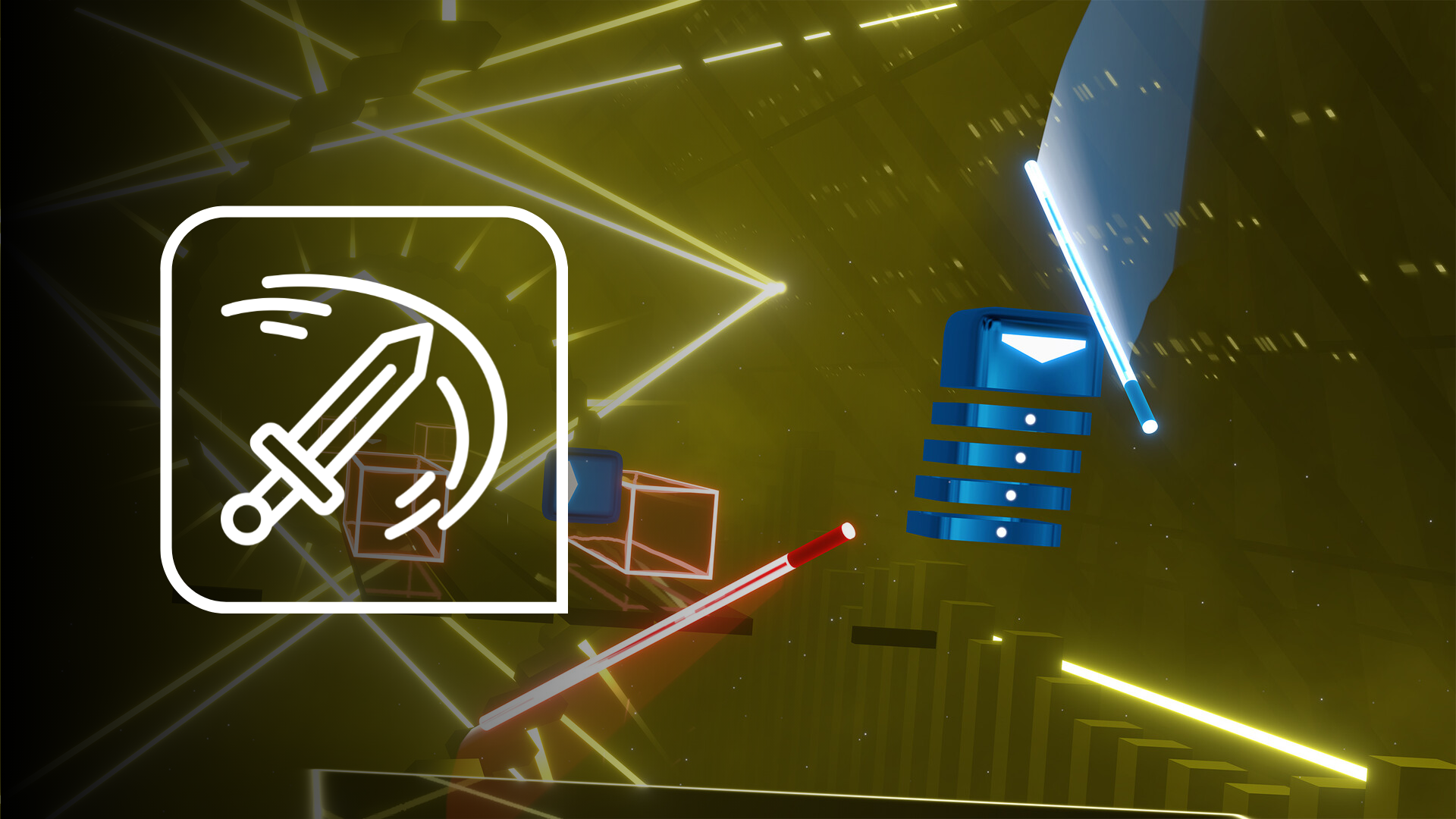
SLICING BLOCKS

Feel each successful cut

The mod can turn block slicing into physical feedback, helping the rhythm of your movements reach beyond the controllers and into your body.
Beat Saber slicing blocks with OWO Skin

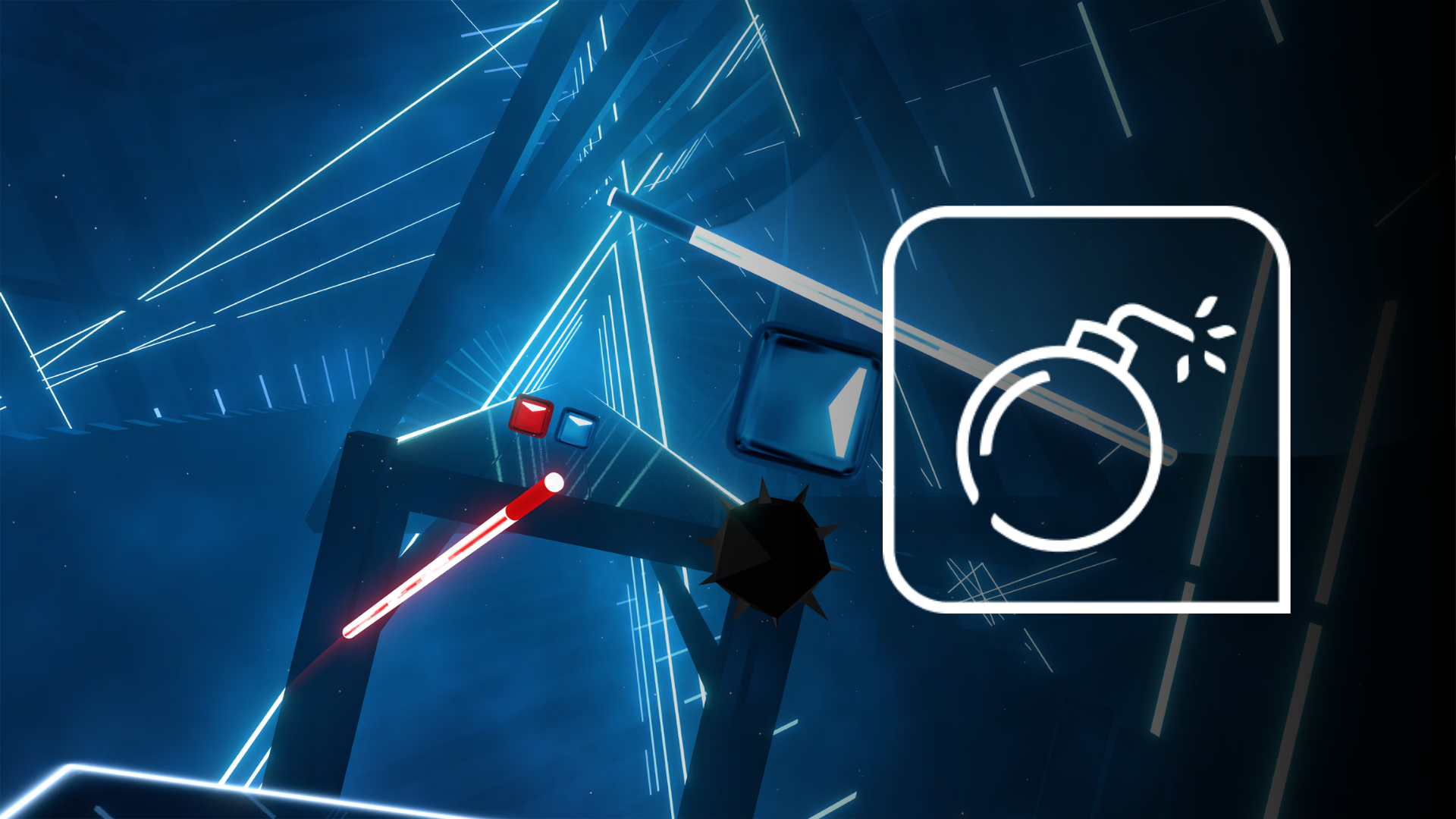
GRENADE EXPLOSIONS

Explosive moments hit harder

Grenade explosions can trigger their own more forceful physical response, giving certain hazards a stronger presence inside the song.
Beat Saber grenade explosions with OWO Skin

MISSING NOTES

Mistakes become more noticeable

Missing notes can generate their own feedback, making errors feel distinct from successful actions and helping important moments stand out.
HITTING WALLS

Obstacles get a physical consequence

Wall hits can trigger a different haptic response, giving obstacles their own physical identity during gameplay.

RHYTHM WITH CONSEQUENCE

Beat Saber feels different when feedback follows what happens in the song

Successful actions, mistakes, hazards and impacts all have different meaning in Beat Saber. Giving supported events their own physical response helps OWO Skin reinforce that rhythm instead of turning every moment into the same sensation.

Beat Saber with OWO Skin setup

BUILT FOR RHYTHM VR

Beat Saber already makes you move. OWO Skin gives the rhythm something to feel.

From slicing blocks and grenade explosions to missing notes and wall hits, supported Beat Saber events become physical feedback that adds another layer to the experience.

Need help installing mods?

Connect with other developers and get support in the OWO Discord community

Join our Discord

Or get personal help from us!

Explore more compatible games

Choose your edition

Cart

Your cart is currently empty.

Return to shop

We accept

Secure Checkout

Shopping is always safe and secure

Easy returns

you can request a return within 14 days of delivery

Need more help? Email us or call (+34) 672712281

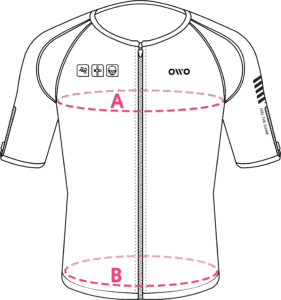
Measure your chest (A) and hips (B) following our indications. 

The reference measurement will always be the larger of the two (A or B).

Look in the chart to which size corresponds to that measurement.
Size chart
SizeReference measurements
 InchesCentimeters
2XS25.6 – 29.465 – 74
XS29.5 – 32.675 – 82
S32.7 – 36.183 – 91
M36.2 – 39.792 – 100
L39.8 – 42.8101 – 108
XL42.9 – 46.3109 – 117
2XL46.4 – 49.9118 – 126
3XL50 – 53127 – 134
4XL53.1 – 55.9135 – 142