14-Day Returns* · 2-Year Warranty · Worldwide Shipping, US Included
14-Day Returns*
2-Year Warranty
Worldwide Shipping, US Included
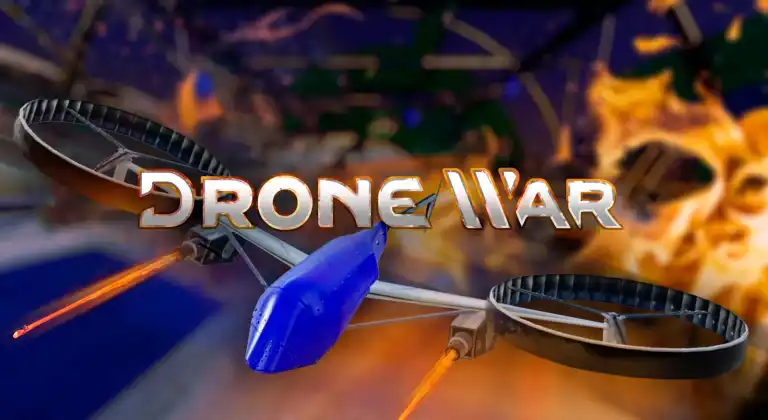
OWO Compatibility
Platform Compatibility
Genre
Available on
IMPLEMENTATION GUIDE
NATIVE – This game uses native connection with OWO System so it DOESN’T require mods or external software.

Connect with other developers and get support in the OWO Discord community.
Or get personal help from us!
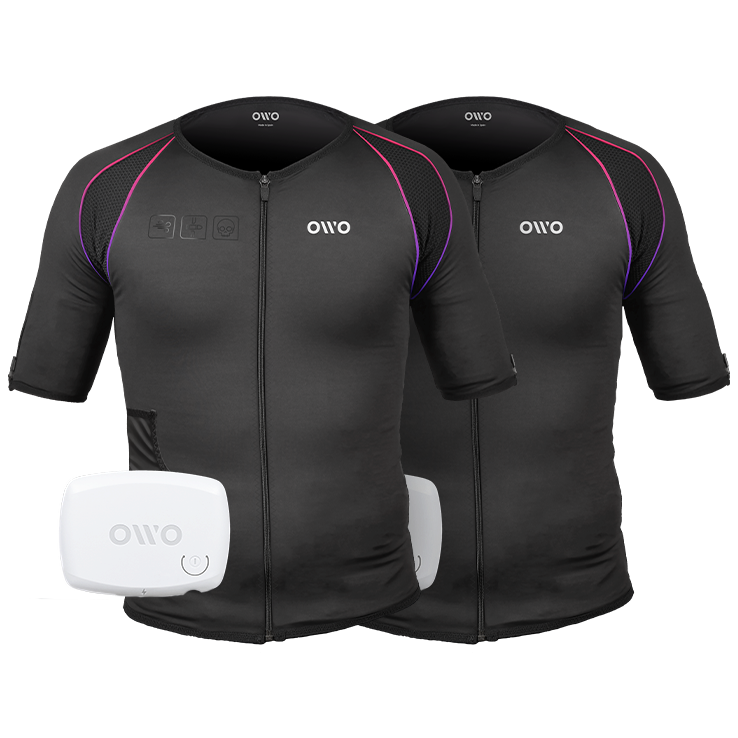
930,00 US$ Original price was: 930,00 US$.699,00 US$Current price is: 699,00 US$.


The 2-Pack bundle built for shared immersion. Two iconic black OWO haptic vests, two devices, and endless in-game sensations.
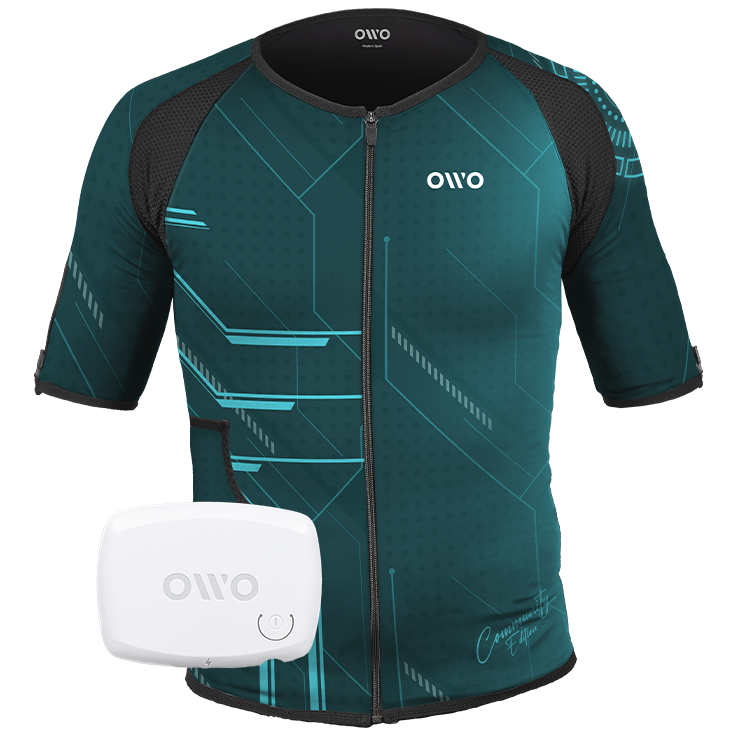
520,00 US$
The OWO Community Edition Kit stands out with its exclusive futuristic design chosen by our community.
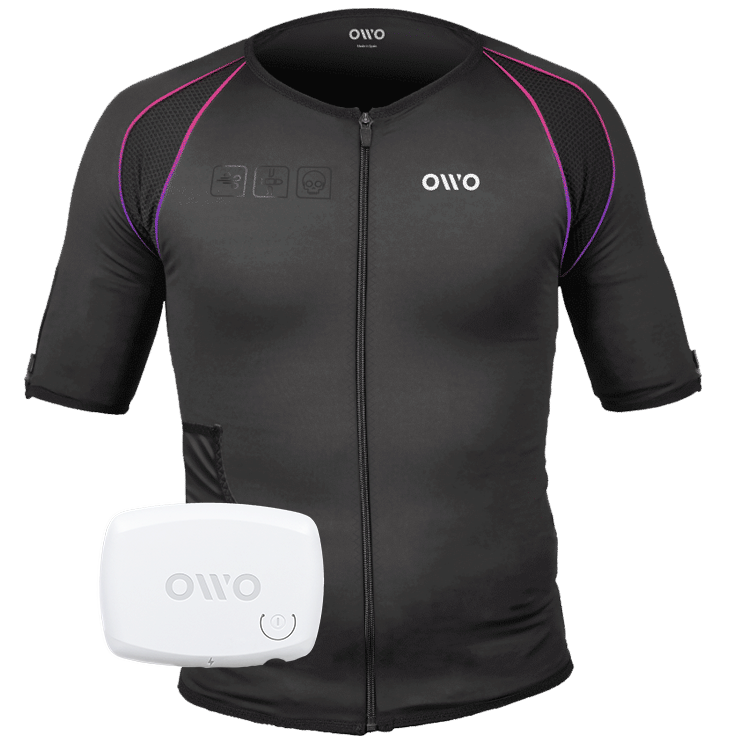
465,00 US$ Original price was: 465,00 US$.395,00 US$Current price is: 395,00 US$.


The haptic vest that lets you feel every moment in-game. Iconic black design, vibrant accents, and infinite sensations for total immersion.
Measure your chest (A) and hips (B) following our indications.
The reference measurement will always be the larger of the two (A or B).
Look in the chart to which size corresponds to that measurement.

| Size | Reference measurements | |
|---|---|---|
| Inches | Centimeters | |
| 2XS | 25.6 – 29.4 | 65 – 74 |
| XS | 29.5 – 32.6 | 75 – 82 |
| S | 32.7 – 36.1 | 83 – 91 |
| M | 36.2 – 39.7 | 92 – 100 |
| L | 39.8 – 42.8 | 101 – 108 |
| XL | 42.9 – 46.3 | 109 – 117 |
| 2XL | 46.4 – 49.9 | 118 – 126 |
| 3XL | 50 – 53 | 127 – 134 |
| 4XL | 53.1 – 55.9 | 135 – 142 |